Choose scoring methodologies, review thresholds and finish the four-stage RMS setup.
Start or rerun setup
Product location: /rms/onboarding
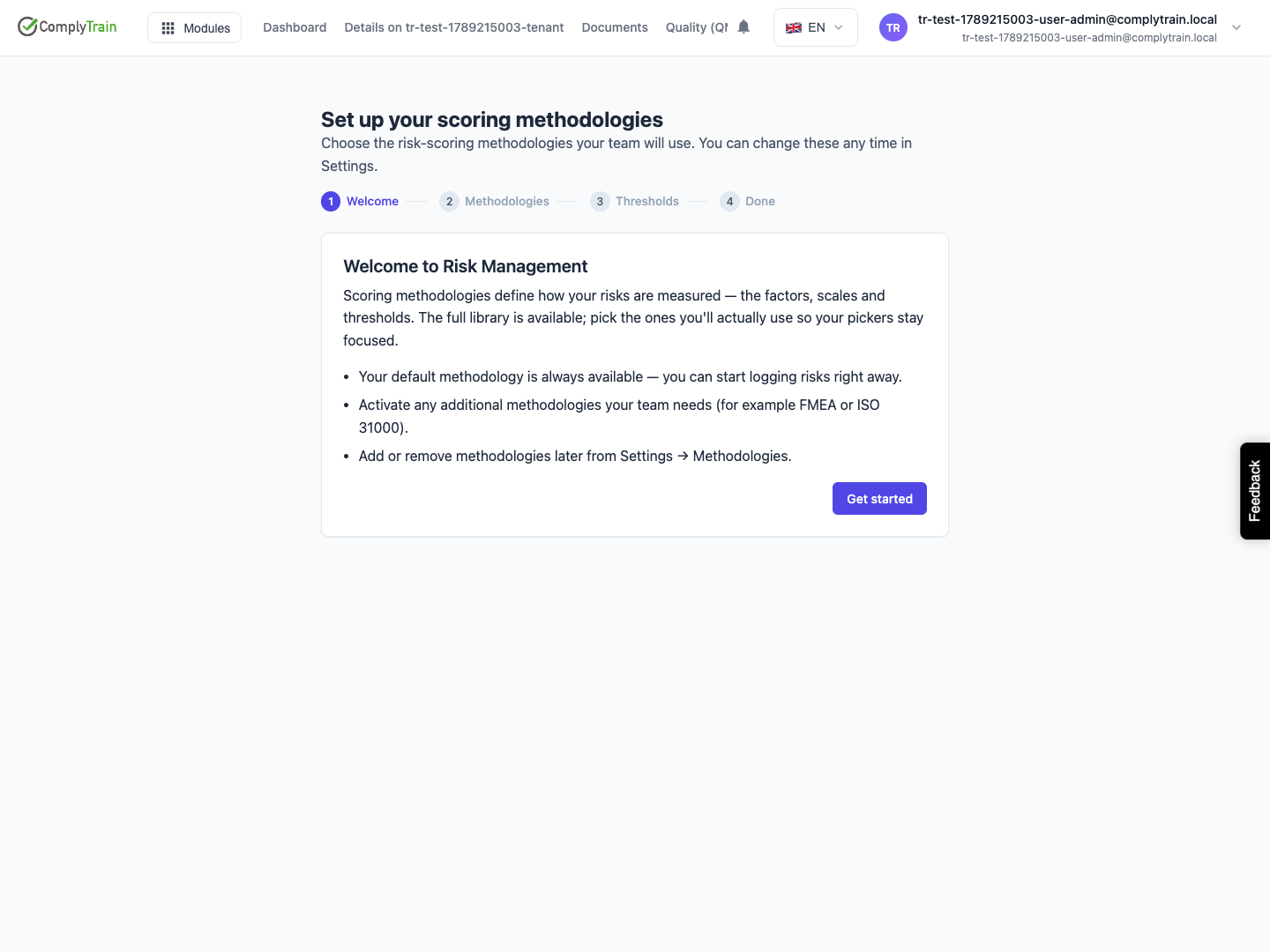
Open Risk Management. When setup is pending, an administrator with permission to manage RMS configuration sees Set up your scoring methodologies. After completion, use Run setup wizard in RMS settings to revisit it.
The wizard has Welcome, Methodologies, Thresholds and Done stages. Users without configuration permission should ask an authorised administrator to complete setup.
Choose methodologies
Product location: /rms/onboarding
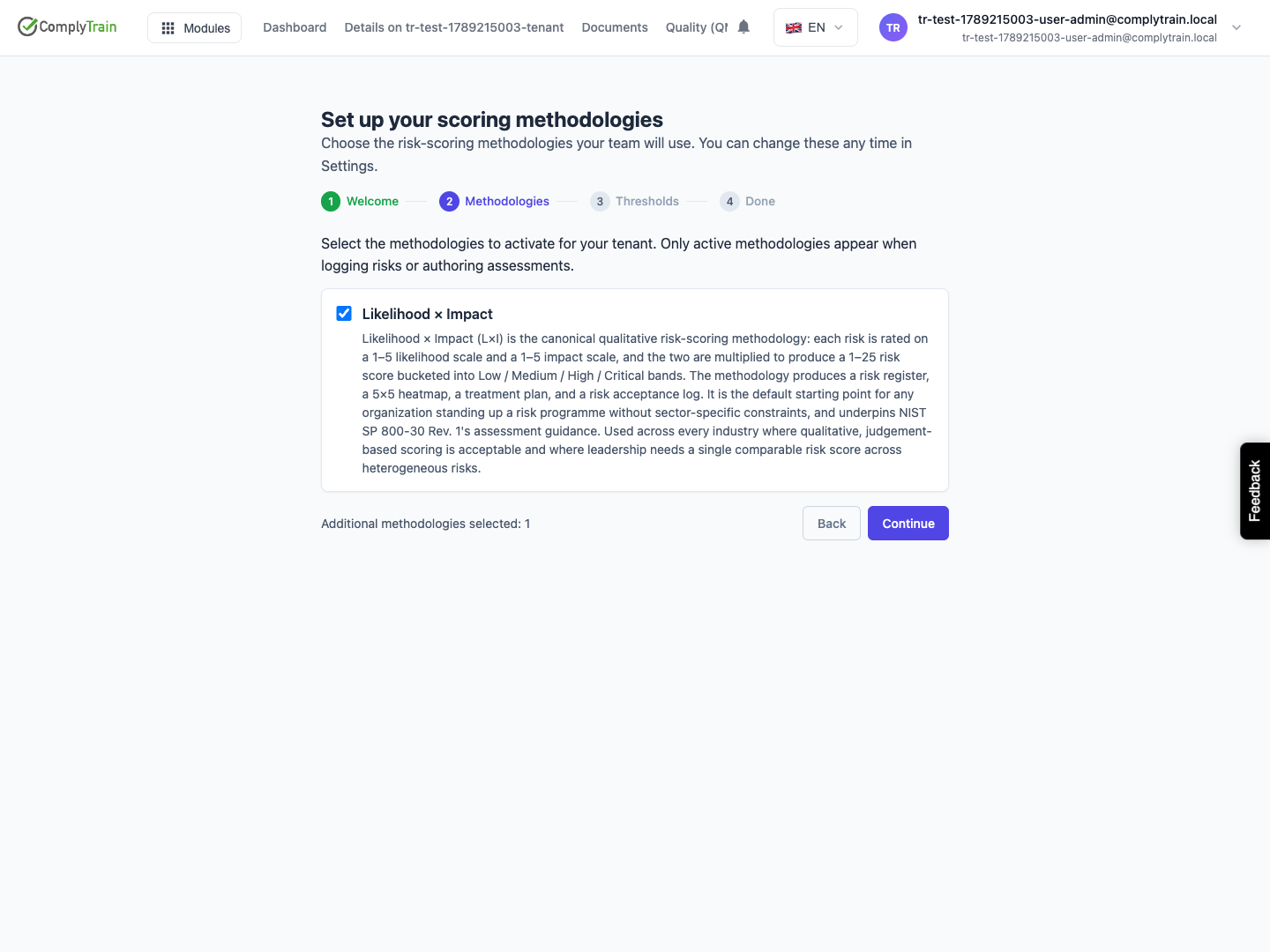
Select Get started. The default methodology, when provisioned, is marked Default and Always active. Select any additional methodologies your organisation will use. Only active methodologies are offered when logging risks or authoring assessments.
Choose Continue to apply the selection. This saves activation changes before the final screen. On a rerun, review the current selections carefully before removing a methodology your team uses.
If the list cannot load, resolve the reported error before treating selection as complete. If the default methodology is missing, an administrator must investigate RMS provisioning; activating another methodology does not create the missing default policy schema.
Review thresholds
Product location: /rms/onboarding
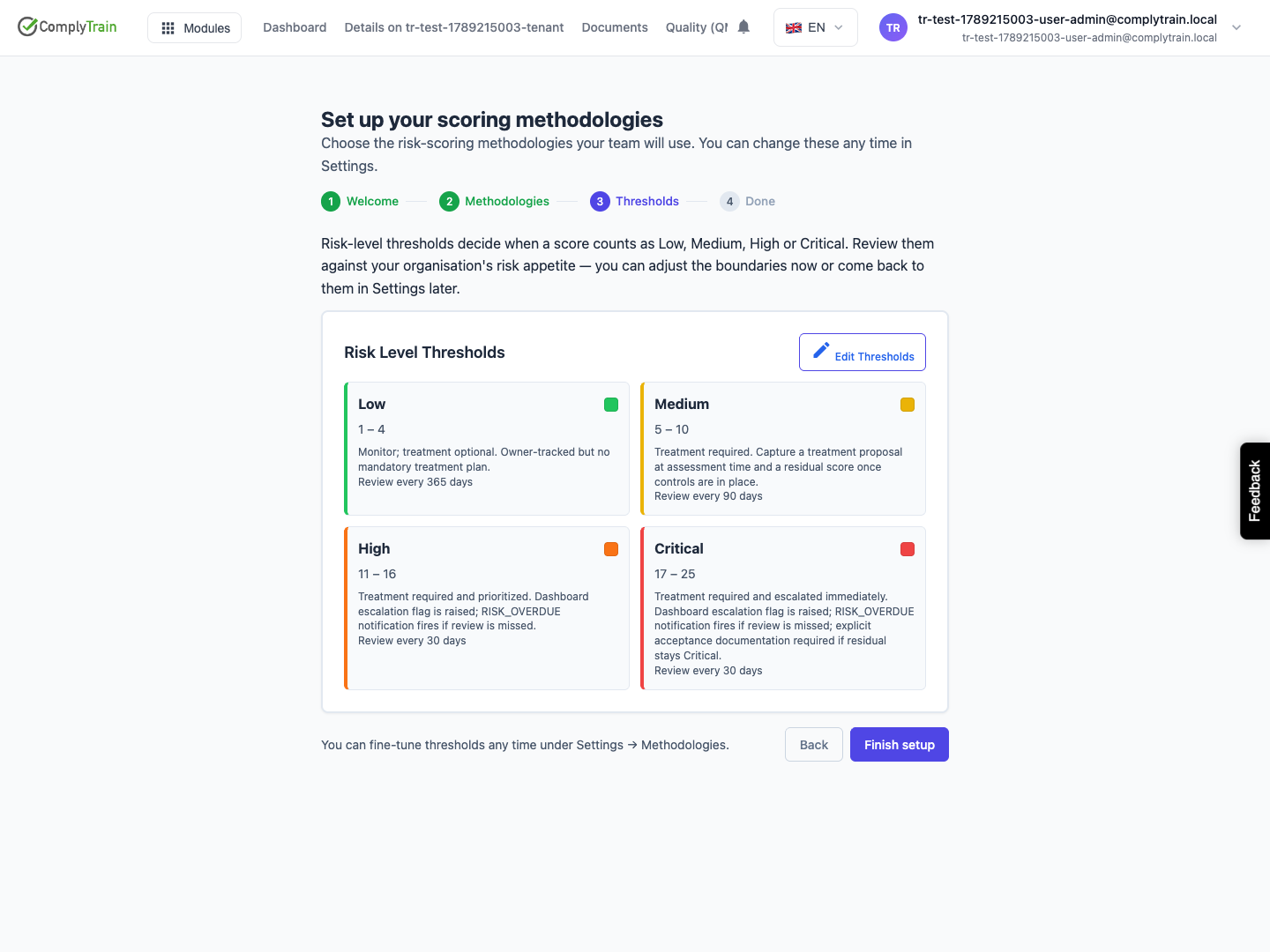
For each active methodology, review the risk-level ranges and related review settings. When several methodologies are active, select the one you want to inspect.
Use the threshold editor to make necessary changes. Save or Cancel edits before moving backward or finishing; navigation is disabled while threshold edits are unsaved. Check the boundaries against your organisation's intended risk appetite. See methodology configuration for ongoing maintenance.
Finish setup
Product location: /rms/onboarding
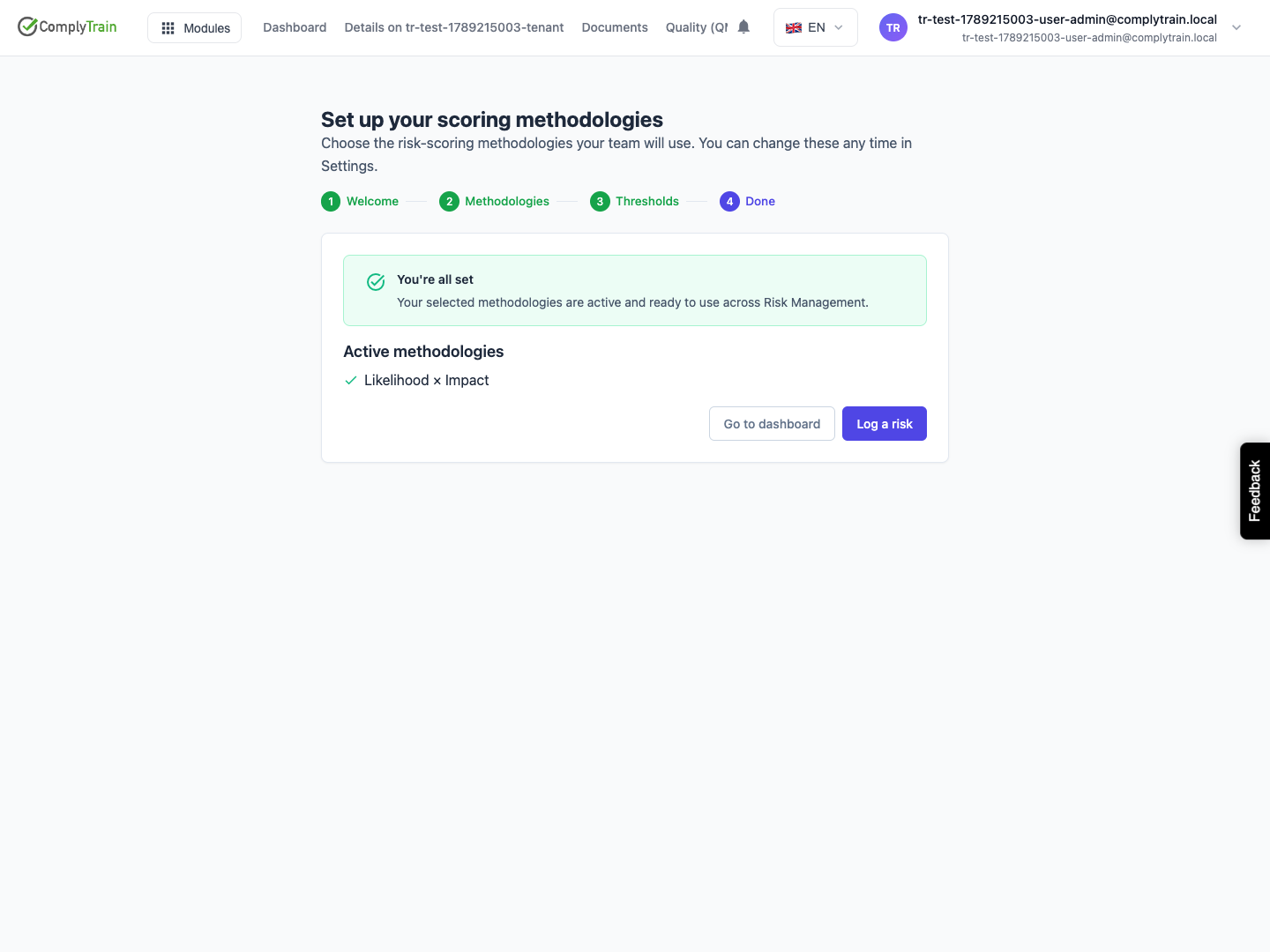
Choose Finish setup. The You're all set screen lists active methodologies and offers Go to dashboard or Log a risk. A successful finish saves the onboarding completion state.
Next, review risk policy onboarding if requested, and enter the first risk with its context, assessment, ownership and treatment. Methodology setup does not itself assess your organisation's risks.