Answer methodology-defined policy questions and resolve missing or newly required fields.
Open the policy wizard
Product location: /rms/onboarding/policies
Use the RMS policy onboarding prompt when it appears. This wizard records organisation-level policy answers defined by the default methodology. It is separate from choosing active scoring methodologies and from logging an individual risk.
The fields depend on that methodology's policy schema. Do not expect the same questions in every organisation or after every methodology update.
Complete the required answers
Product location: /rms/onboarding/policies
Review the required-field progress and answer each required question. The form distinguishes required from optional fields. A label identifying a newly introduced field helps you find questions added since an earlier schema version; a migration label identifies an answer carried forward from an earlier configuration.
Use the control provided for each field: text, number, duration in days, an explicit Yes or No, an option from a list, or a date. Respect displayed limits and permitted options. For a boolean question, No is an explicit answer; an unanswered question is different.
Review carried-forward answers against current practice. A migrated value is not an approval of the policy it describes.
Save and review the result
Product location: /rms/onboarding/policies
Complete the required answers and use the wizard's save control. Resolve field-level validation and any save error, then confirm that the saved state is shown when you reopen the policy setup.
Return when the product requests additional policy answers after a methodology change. Keep policy answers aligned with your approved internal policies and the way risks are actually managed.
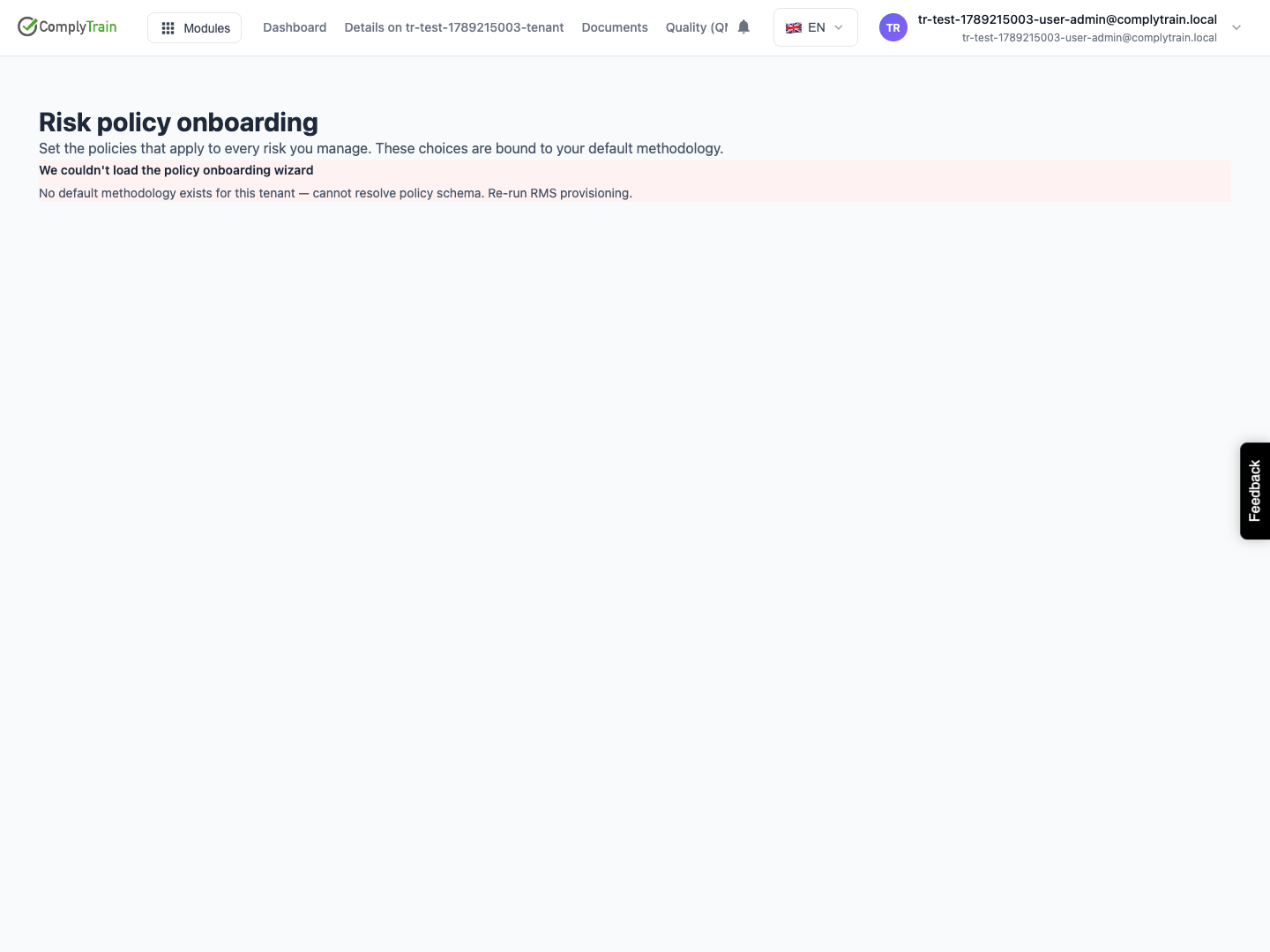
Resolve a missing policy schema
Product location: /rms/onboarding/policies
If the wizard reports that no default methodology exists, it cannot resolve the policy questions. Ask the administrator responsible for RMS provisioning to restore the default configuration, then reopen the wizard. Repeatedly entering the wizard or activating an unrelated optional methodology will not supply that missing schema.