
Read the recovery-window metrics without treating a scheduled date as completed deletion.
Open the status page
Product location: /rms/settings/retention
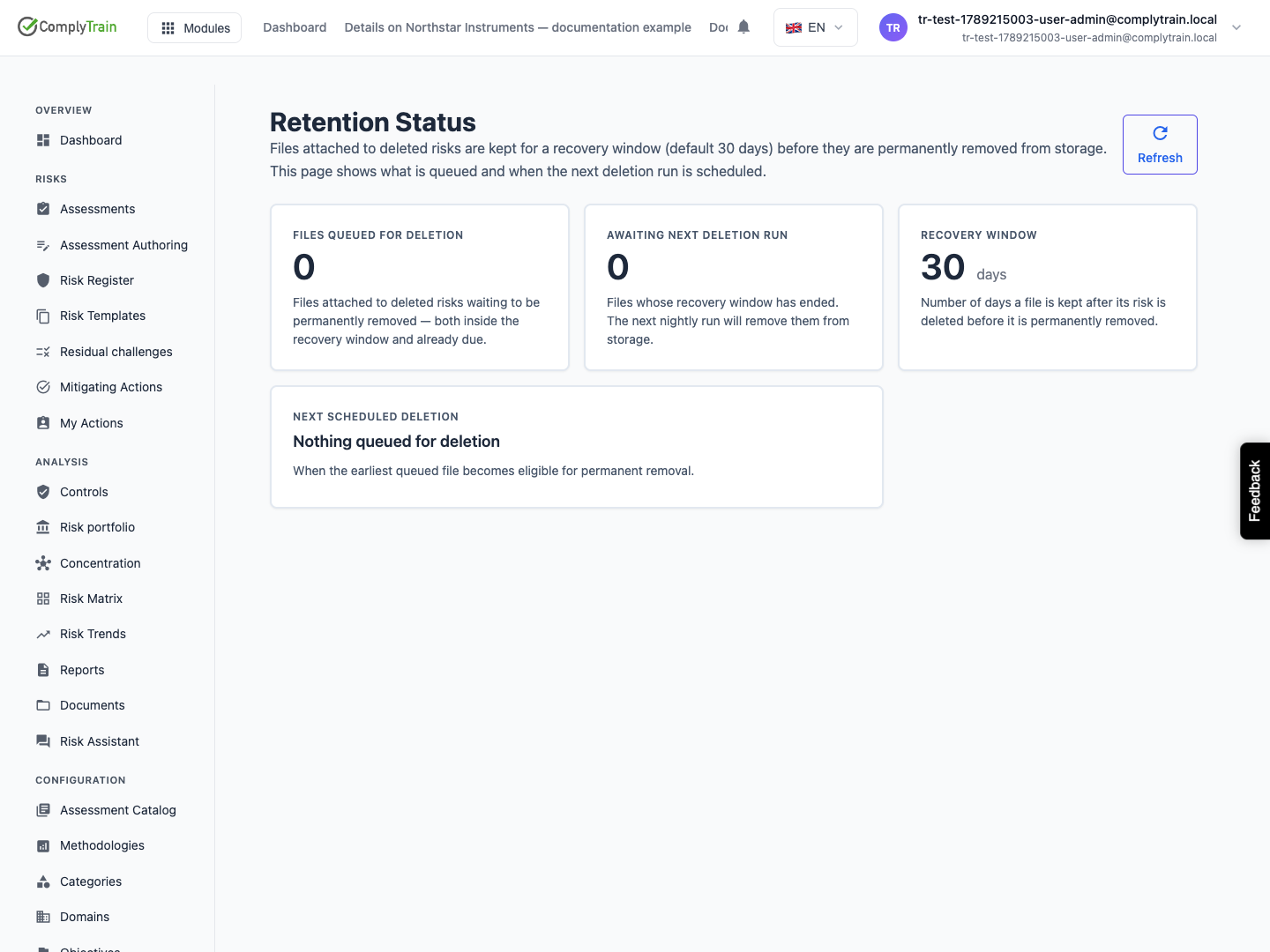
Open RMS, Settings, Retention Status. This is a read-only view of files attached to deleted risks and their deferred permanent removal. Use Refresh to request current information.
Files are retained after risk deletion for a recovery window. The documented default is 30 days; use the actual value displayed for your organisation.
Read the metrics
Product location: /rms/settings/retention
Metric | Meaning |
|---|---|
Files queued for deletion | All queued files, both within their recovery window and already eligible for removal. |
Awaiting next deletion run | Files whose recovery window has ended. They remain queued until the deletion process removes them. |
Recovery window | The displayed number of days files are kept after their risk is deleted. |
Next scheduled deletion | When the earliest queued file becomes eligible for permanent removal. It is not proof that a deletion job has already run. |
Oldest queued file | Shown when overdue files exist; useful for detecting a queue that is not progressing. |
Nothing queued for deletion means this risk-evidence queue is currently empty.
Investigate a queue that does not progress
Product location: /rms/settings/retention
Refresh and compare the queued count, overdue count and oldest date. An overdue file can be waiting for the next scheduled run. A persistently old date or the Some files could not be removed automatically warning needs administrator investigation.
Record the organisation, observation time and metrics when asking for help. This page cannot force a purge, change the recovery period or restore a risk.
The warning identifies unsuccessful deletion attempts; inspect the failed operation before drawing conclusions about other queued files.
For other retention scopes, see organisation deletion and vault capabilities.