
Track planned mitigation separately from the evidence supporting the current position.
Review the current record
Product location: /rms/risks/{riskId} (fallback: /rms/risks). Open the intended risk and the panel described below.
Open the risk and inspect its owner, methodology, inherent and residual assessments, existing controls and next review date. Read the history and supporting evidence before changing the assessment.
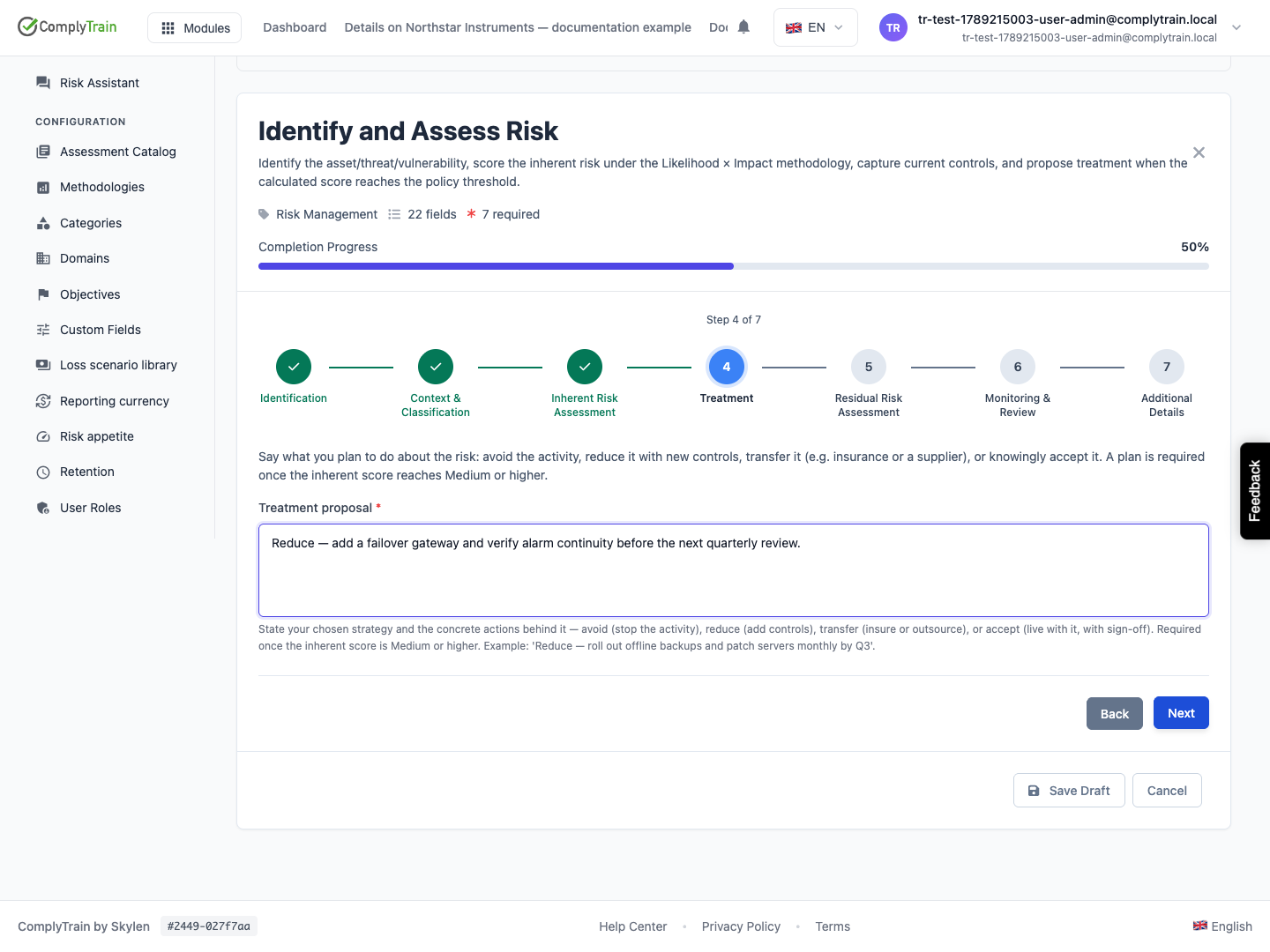
A treatment proposal states what is intended. The risk's current residual position should be assessed with awareness of which actions and controls have actually been implemented and tested.
Organise treatment work
Product location: /rms/risks/{riskId} (fallback: /rms/risks). In Mitigating Actions, choose New Action or a transition on an existing action. All Actions is at /rms/actions.
Record each piece of treatment work as a mitigating action on the risk. In the risk's Mitigating Actions, choose New Action:
Field | What to enter |
|---|---|
Description | Required. What will be done, specifically enough to check later, for example “Install a failover gateway and test alarm continuity”. |
Owner | The person responsible for completing the action. They receive a task and a notification, and the action appears in their My Actions. |
Strategy Type | Reduce (default), Avoid, Transfer or Accept. |
Target Date | When the action should be implemented. After this date an unimplemented action counts as overdue. |
Evidence Notes | What will show the action worked, or where that evidence is kept. |
Move an action through its states with the transition buttons on the action. Each move is allowed only from specific states:
From | Can move to |
|---|---|
Planned | In Progress, Not Effective |
In Progress | Implemented, Not Effective |
Implemented | Verified, Not Effective |
Not Effective | Planned |
Verified | No further moves |
Moving an action to Implemented shows Risk Score Update Recommended: reassess the residual on the risk's Treatment tab once the change is in place. Use Verified only after checking that the action works, and attach the proof in Evidence Documents with Link to Action (optional) set to the action. Not Effective records that an action did not reduce the risk and sends it back to planning.
Mitigating Actions in the sidebar opens All Actions, which lists actions across the register. My Actions lists the actions assigned to you. Filter it by status, type or Overdue only, and search by action number or description. Choosing an action opens its risk. Change an action's status on the risk itself. Completing an action does not, by itself, demonstrate an effective reduction in risk.
Perform the review
Product location: /rms/risks/{riskId} (fallback: /rms/risks). Open the intended risk and the panel described below.
At review, examine changed circumstances, completed work, control test results and any residual challenge. Update the assessment and review schedule with the reasoning supporting the change.
Use the risk heatmap and matrix with the correct methodology and Inherent or Residual score type. Open a cell to inspect the risks at that intersection. Not assessed or an empty filtered set is different from a low score.
Advance the risk's Current stage on the Treatment tab as the work moves from assessment to treatment and periodic review; see the risk record.