
Read scoped totals and investigate shared dependencies behind multiple risks.
Check the portfolio scope
Product location: /rms/portfolio
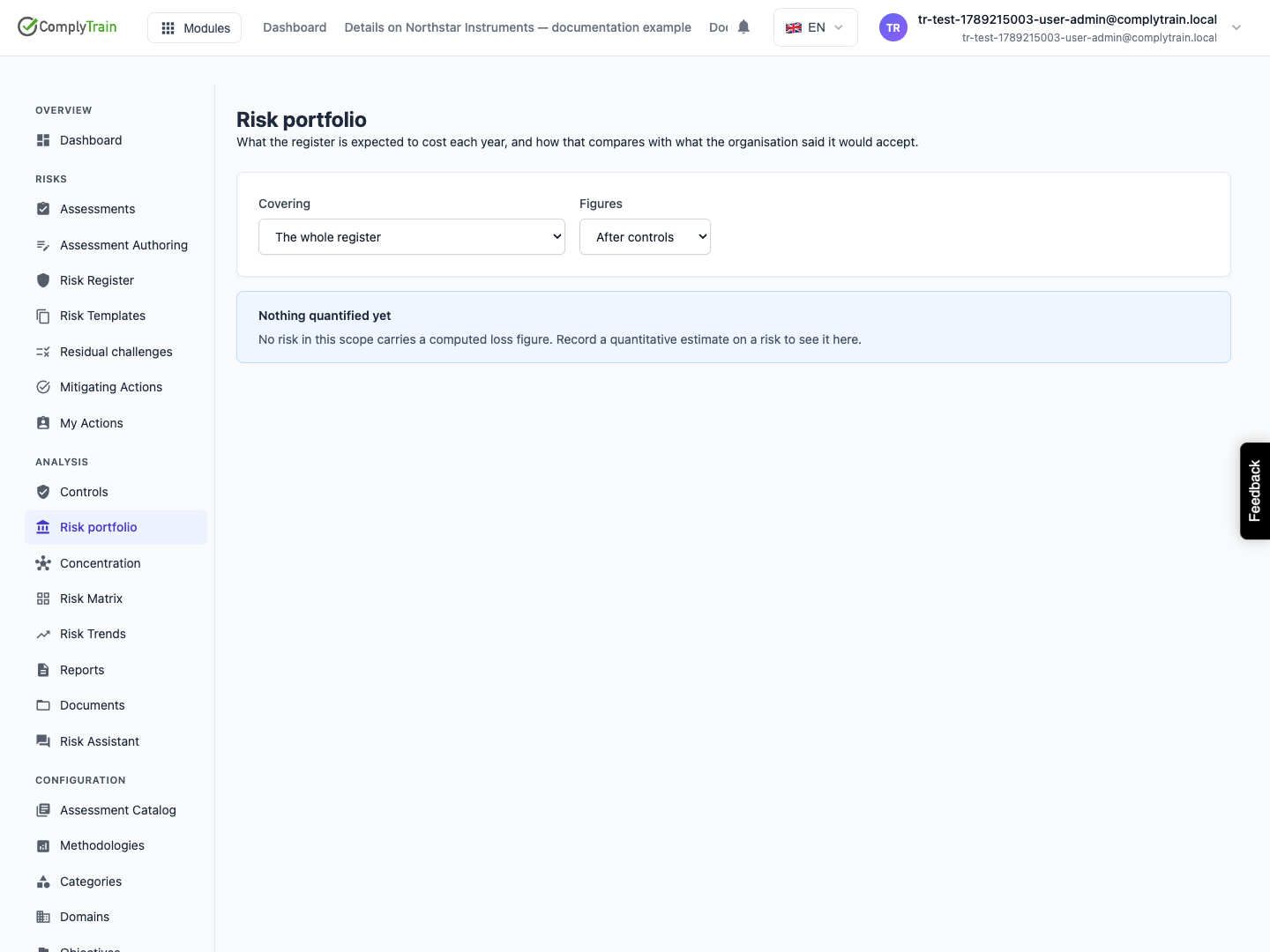
Open Risk portfolio and choose the whole register, category or domain and before- or after-controls figures. Review how many risks are quantified and how many in scope have no estimate.
The expected annual loss total covers the included estimates. The displayed low and high bounds add individual bounds; they are not percentiles of the combined portfolio. Missing individual ranges also limit that span.
Compare with the right threshold
Product location: /rms/settings/appetite
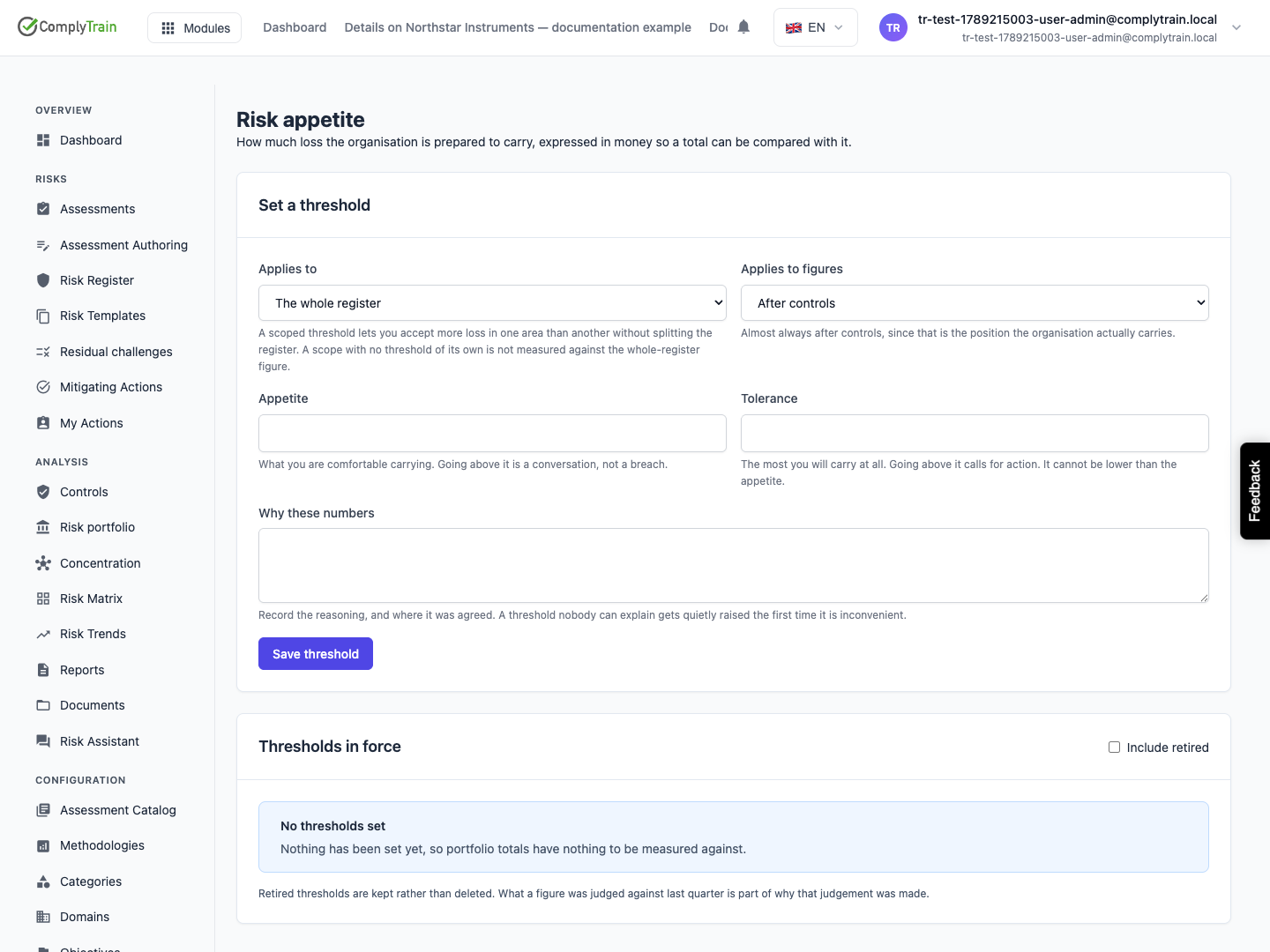
In Risk appetite, choose Set a threshold:
Field | What to enter |
|---|---|
Applies to | The whole register, one category or one domain. |
Applies to figures | After controls or Before controls. |
Appetite | The expected annual loss you are willing to carry. |
Tolerance | The level beyond which you must act. It cannot be lower than appetite. Set appetite, tolerance or both. |
Why these numbers | The decision and its basis, for example the board minute that set it. |
Choose Save threshold. Thresholds in force lists current thresholds with when they were last affirmed. Risk portfolio then shows Within appetite, Above appetite, Tolerance breached or No threshold set for that scope.
A scoped view without its own threshold does not inherit the whole-register threshold. No threshold set is different from within appetite. Retiring a threshold stops its use while retaining the record of the earlier decision.
Investigate concentration
Product location: /rms/concentration
Open Risk concentration and use Rebuild from the graph when the shared dependencies need refreshing. Inspect the controls, suppliers, processes or other dependencies behind the listed risks.
Select a dependency to open its detail. It shows how many risks depend on it, their combined exposure and each risk's loading: how much that risk depends on the shared thing, from 0 to 1. The platform calculates loadings from recorded links. Use Adjust to set a loading by hand, with a required Why. Hand back to the platform returns it to the calculated value. Rebuilding and adjusting need the configuration permission.
Open the affected risks and review any manually adjusted loadings. This view traces recorded relationships; it is not a simulation or an assumed correlation model. A single dependency can undermine several recorded reductions, so review the actual links before deciding the follow-up work.