
Understand storage settings and the effect of the first and last access grant.
Configure a vault
Product location: /document-vault/vaults/{vaultId} (fallback: /document-vault/vaults). Open the vault configuration and access controls.
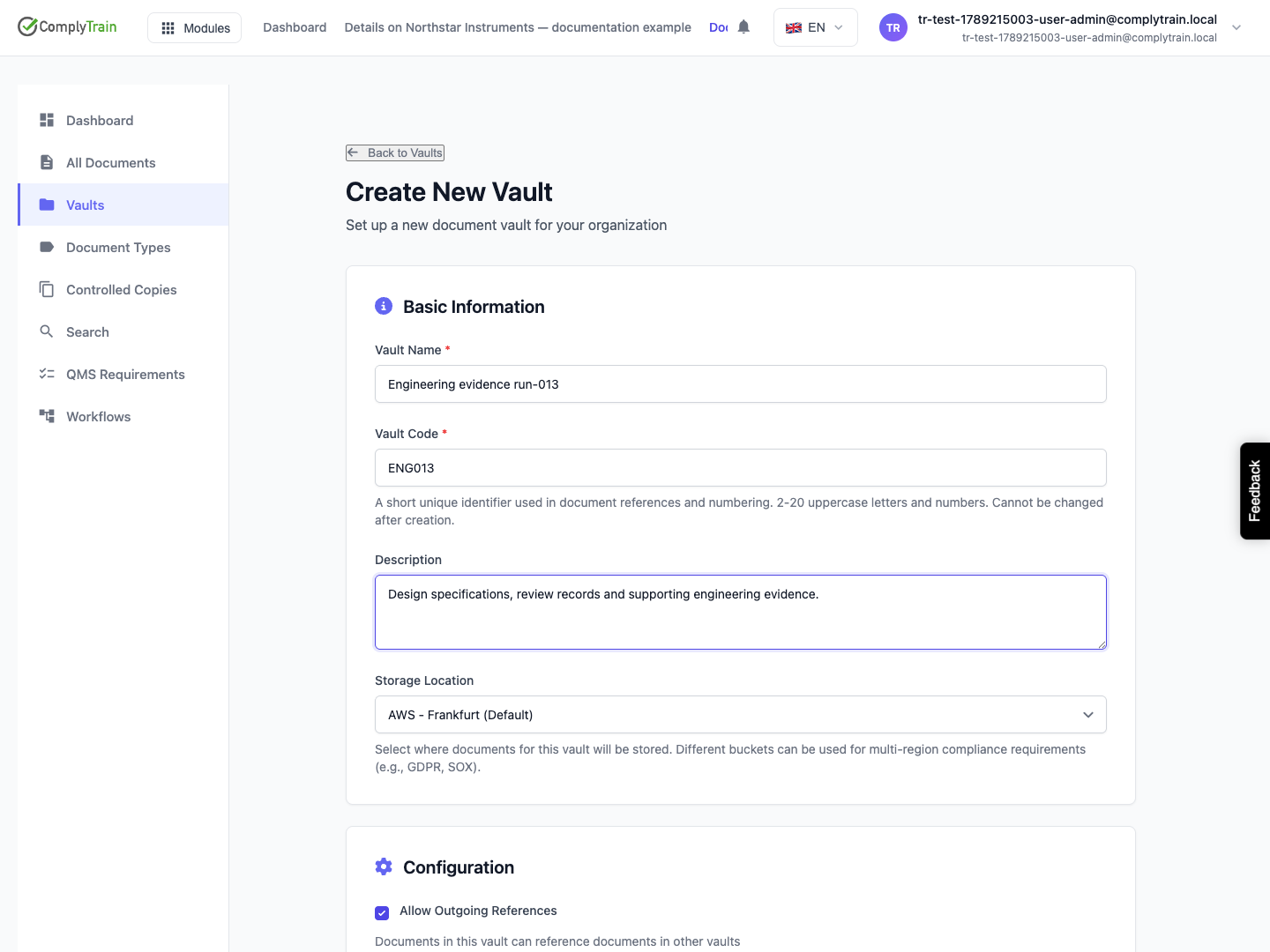
Create or edit the vault's name, storage location, supported document types and related options. If no storage location is available, ask the administrator to configure one. Deactivating a vault makes it inaccessible while retaining its documents.
Field | What to decide |
|---|---|
Name | A readable purpose, such as Engineering evidence. |
Code | A permanent reference of 2–20 uppercase letters or digits. Choose it before creating the vault. |
Description | What belongs in the vault and who maintains it. |
Storage location | The configured storage destination for its documents. |
Document types | Which document categories this vault should accept. Only the types you select are created. |
Audit log visibility | Whether records are available to administrators, the vault owner, document-level users or all users. |
Default and maximum lock duration | How long a normal edit lock lasts and the upper limit available to users. |
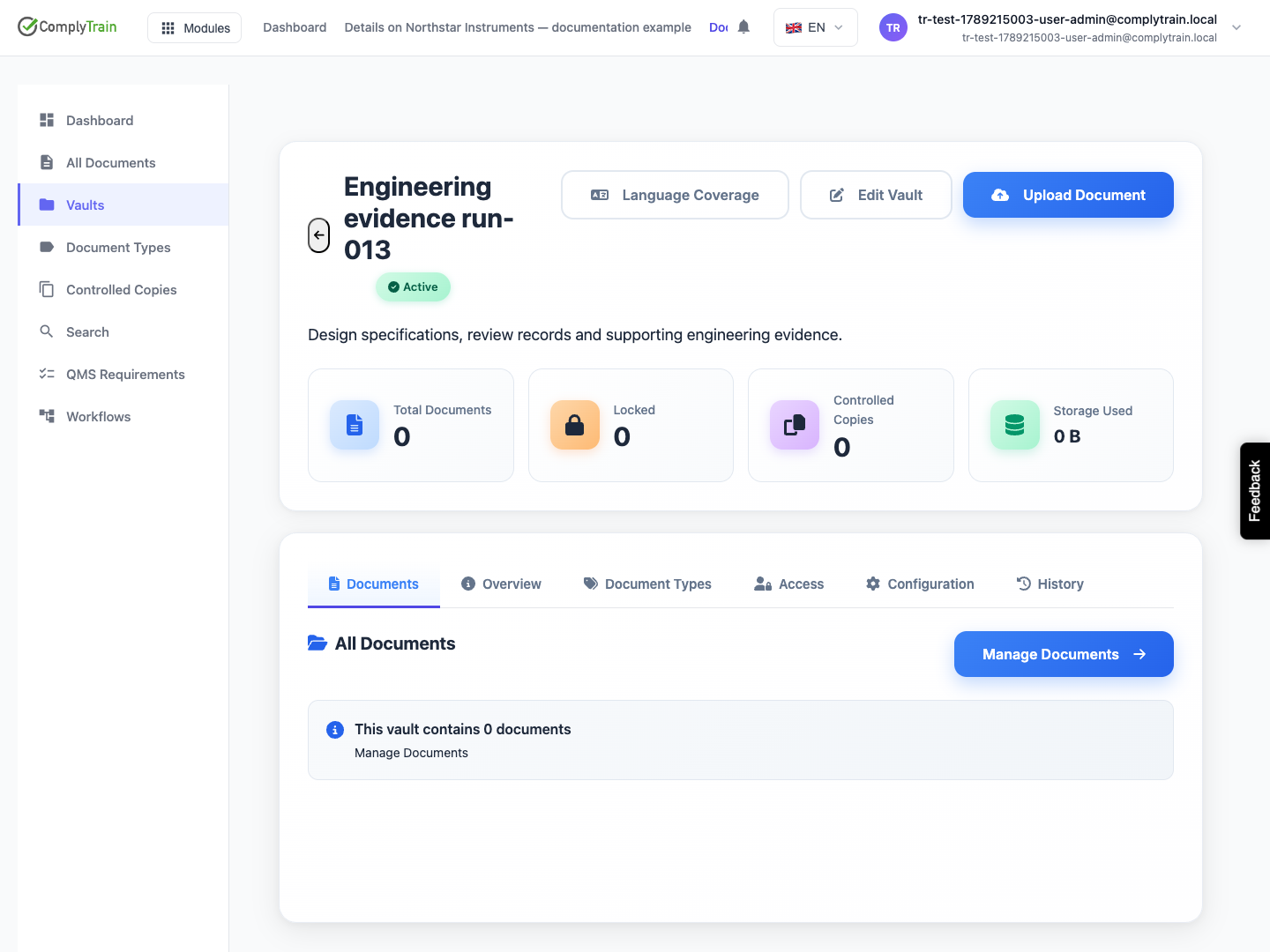
After Create Vault, reopen the vault and inspect its name, code, status and document count. The code is fixed once the vault exists and prefixes its controlled-copy identifiers. Configure capabilities and access before adding sensitive working records.
Review outgoing-reference rules, change-request requirements, audit visibility and the default maximum lock duration. Audit visibility offers scopes such as administrators, vault owner, document-level access or all users; choose the scope needed for the vault's records.
Understand the access baseline
Product location: /document-vault/vaults/{vaultId} (fallback: /document-vault/vaults). Open the vault configuration and access controls.
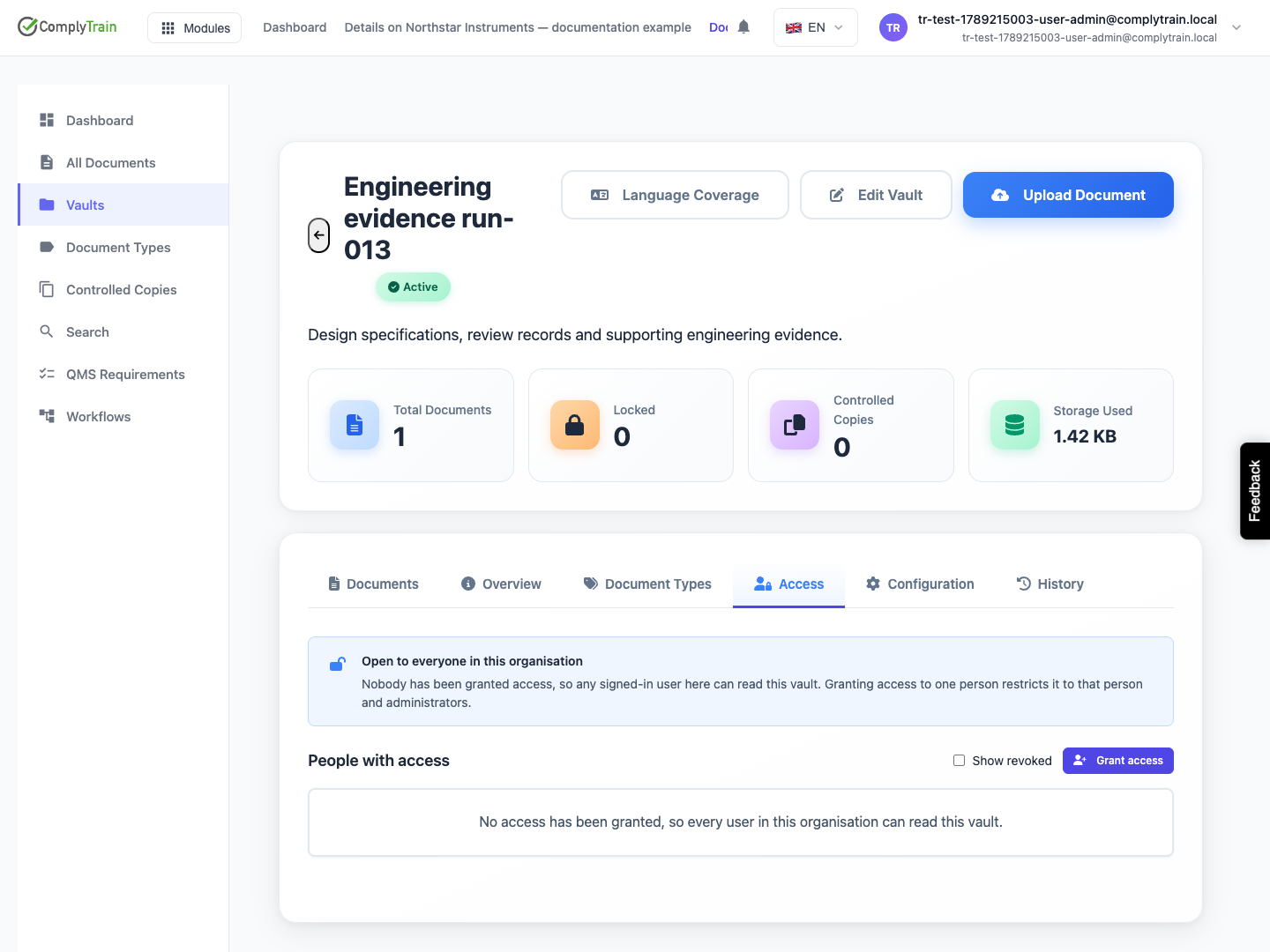
A vault with no access grants is open to signed-in users in the organisation. Adding the first grant restricts access to the granted users and organisation administrators. Removing the last grant reopens access to the organisation.
This behaviour makes an empty grant list materially different from a deny-all policy. Inspect the resulting access summary after every grant change.
Add a grant
Product location: /document-vault/vaults/{vaultId} (fallback: /document-vault/vaults). Open the vault configuration and access controls.
Choose a person, role or all-users grant. Role access includes qualifying group-inherited membership. Select the access level and, if needed, an expiry and reason.
Level | Intended access |
|---|---|
Admin | Full vault administration, including deletion. |
Member | Read and write, without deletion. |
Viewer | Read-only access. |
Auditor | Read-only oversight. |
Review active, expired and revoked entries separately. An expired grant remains visible as a record but should not be counted as an active entitlement. Organisation administrator access remains relevant when evaluating the restricted vault.
Configure available features with vault capabilities, and document eligibility for AI/search with knowledge indexing policies. These settings are distinct from access grants.