
Track distribution and withdrawal against a particular document version.
Issue a copy
Product location: /document-vault/controlled-copies
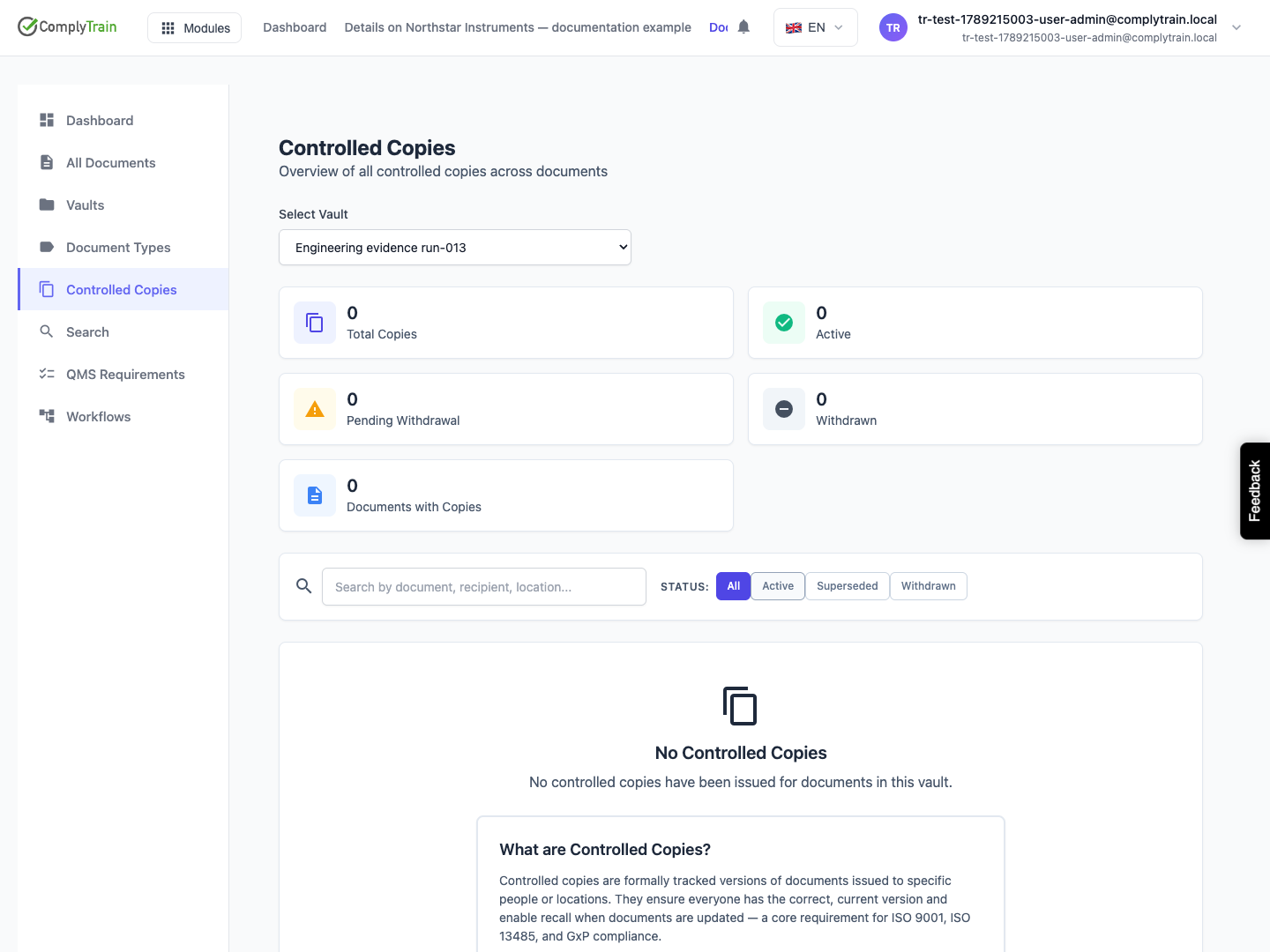
Open the document's Controlled Copies or the global controlled-copy register. Choose Issue Copy, check the document version and record the recipient, location, department and reason as applicable.
Select the correct copy type: Electronic controlled, Printed controlled, Uncontrolled or Reference. These categories describe different distribution intentions; a record marked uncontrolled is not a controlled copy simply because it appears in the same register.
Creating an issue record tracks distribution. It is not, by itself, evidence that a person received a physical copy or that an external notification was delivered.
Follow a superseded version
Product location: /document-vault/controlled-copies
Review the copy's version and status when a document changes. The register can show active, superseded, withdrawn, obsolete or destroyed records and copies awaiting withdrawal.
Use Recall Copy with a meaningful reason when a distributed copy must be recalled. Review the affected copy and recipient before confirming. The recall records the request and its reason, and the copy's Acknowledged column shows Pending until the withdrawal is acknowledged. Arrange the return or destruction of the copy with its holder.
Record the outcome
Product location: /document-vault/controlled-copies
Withdraw Copy records withdrawal rather than deleting the distribution history. Use Acknowledge Withdrawal to record that the relevant copy has been returned or destroyed, according to the actual event.
Check pending withdrawals until the records reflect the outcome. A recall request is not the same as a completed withdrawal, and neither should be recorded as physical destruction unless destruction actually occurred.