
Enable a standard, define scope and choose the first controlled documents.
Establish the scope first
Product location: /qms/onboarding
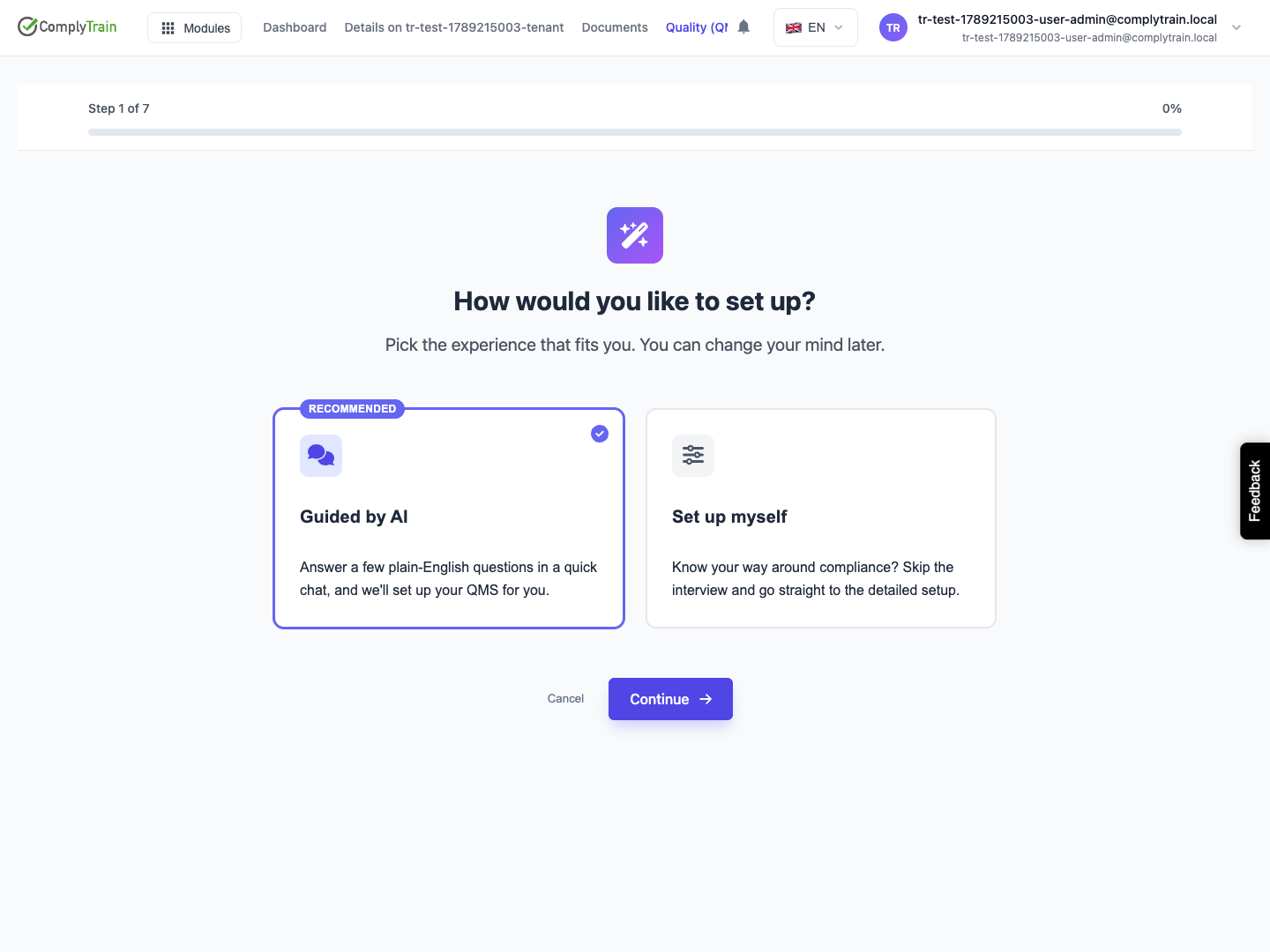
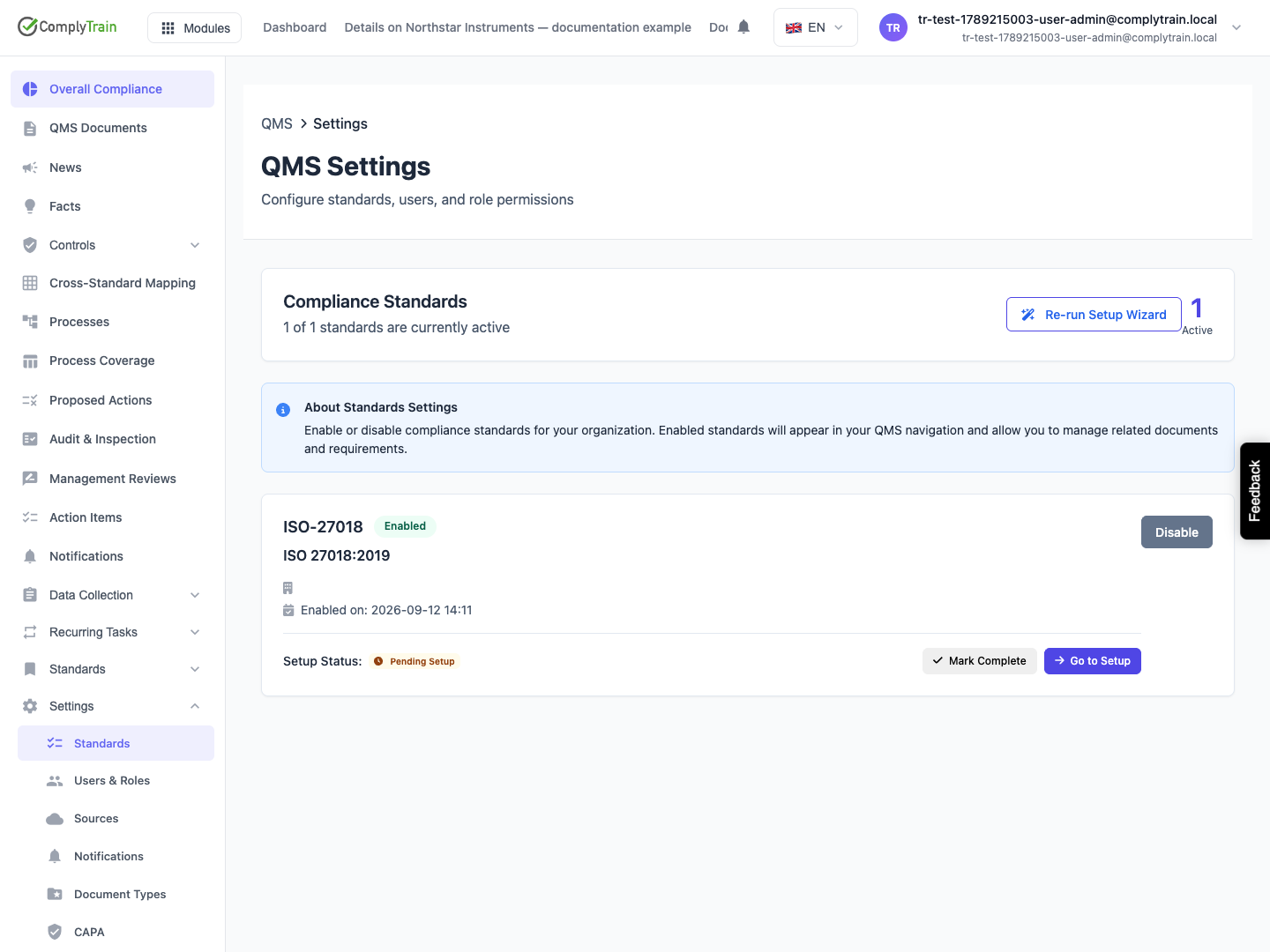
Start at How would you like to set up? Choose the seven-stage manual wizard or the AI-guided conversation. Then complete setup for each selected standard. These are distinct stages of the journey.
Cross-module integration is a separate setup choice; enabling a standard does not complete the connected modules' configuration.
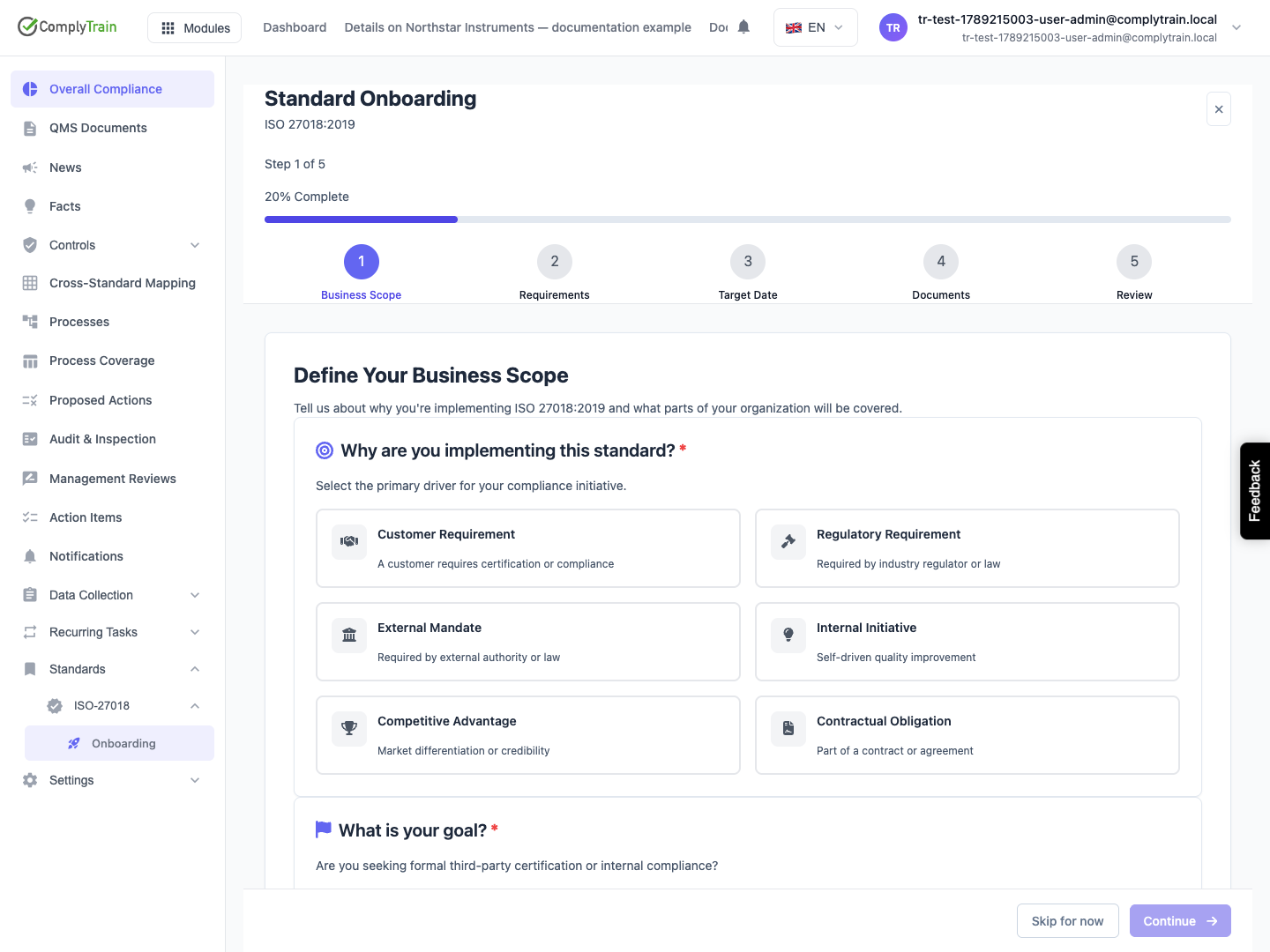
Within a standard's onboarding, describe the business scope, operating boundaries and purpose of adopting the standard. If certification is your goal, record the relevant certification path, body and target date where requested. A target date is a planning input, not a certification result.
Review applicable requirements
Product location: /qms/{standardCode}/scope (fallback: /qms/standards)
Open Scope Management for the standard. Mark requirements In Scope, Partially Applicable or Out of Scope based on the actual business context. An exclusion requires a documented justification; the interface requires at least 50 characters and can link supporting documents.
Review unset requirements and missing justifications before treating the scope summary as complete. Excluding a requirement changes the system's working scope; it does not establish that an external inspector will accept the exclusion.
Start implementation
Product location: /qms/{standardCode}/overview (fallback: /qms/standards)
Review the proposed document templates and deselect only those you have deliberately assessed. Complete the kickoff and inspect the resulting documents, tasks and milestones. Open a generated document to review its content and responsible owner.
Use the standard overview to return to scope, documents, tasks, evidence and reports. Revisit scope when your products, locations or operating boundaries change.