Choose the setup mode, select standards and review configuration before launching QMS.
Product location: /qms/onboarding
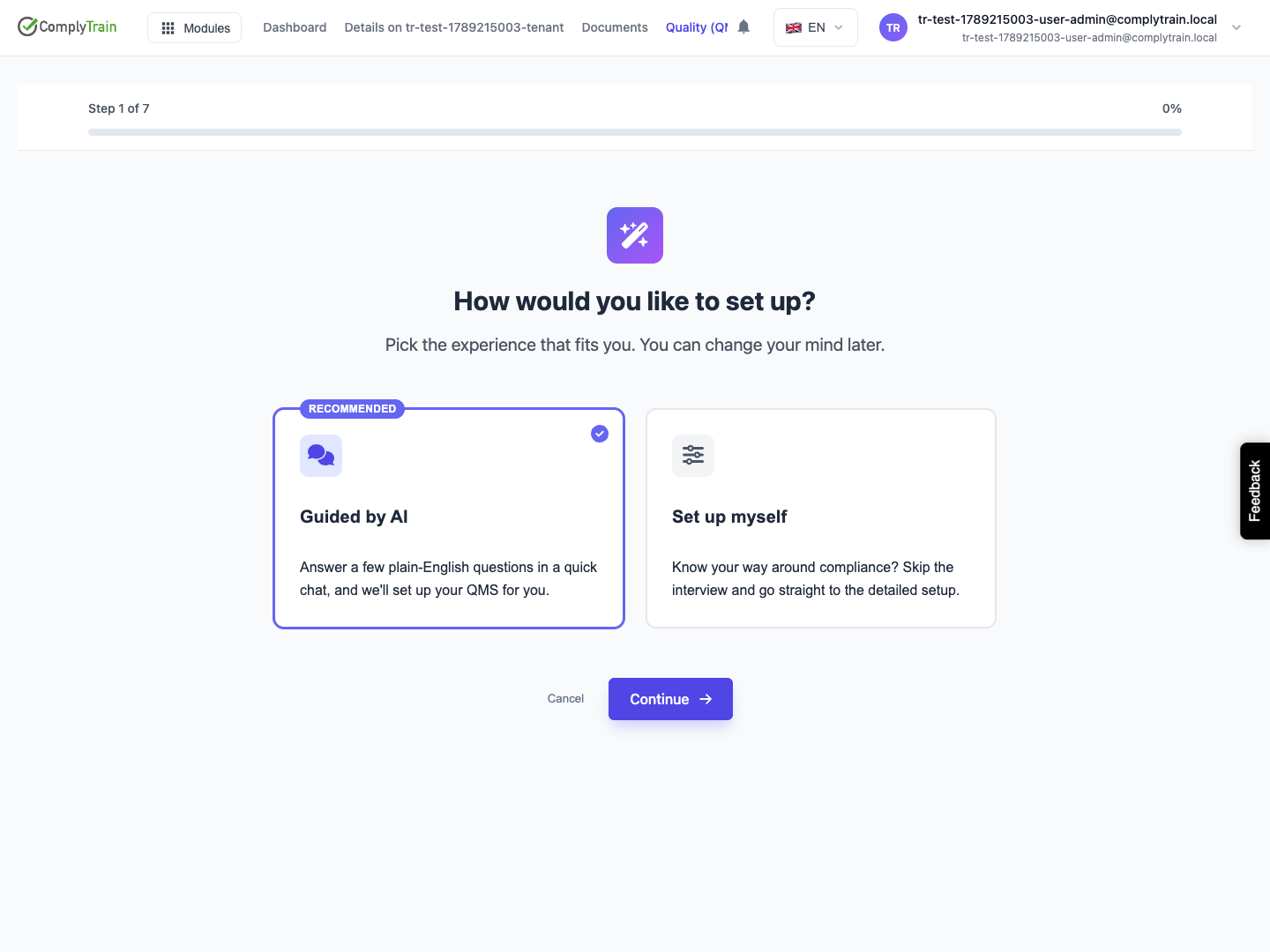
Open QMS and start its setup wizard. The first screen is How would you like to set up?, with Guided by AI selected by default. Choose Set up myself and Continue to follow the seven-stage manual journey below. Choose Guided by AI for the conversation instead.
Have your intended standards, business boundaries and responsible quality manager available. Organisation details come from the company profile; correct that profile if the displayed information is wrong.
Product location: /qms/onboarding
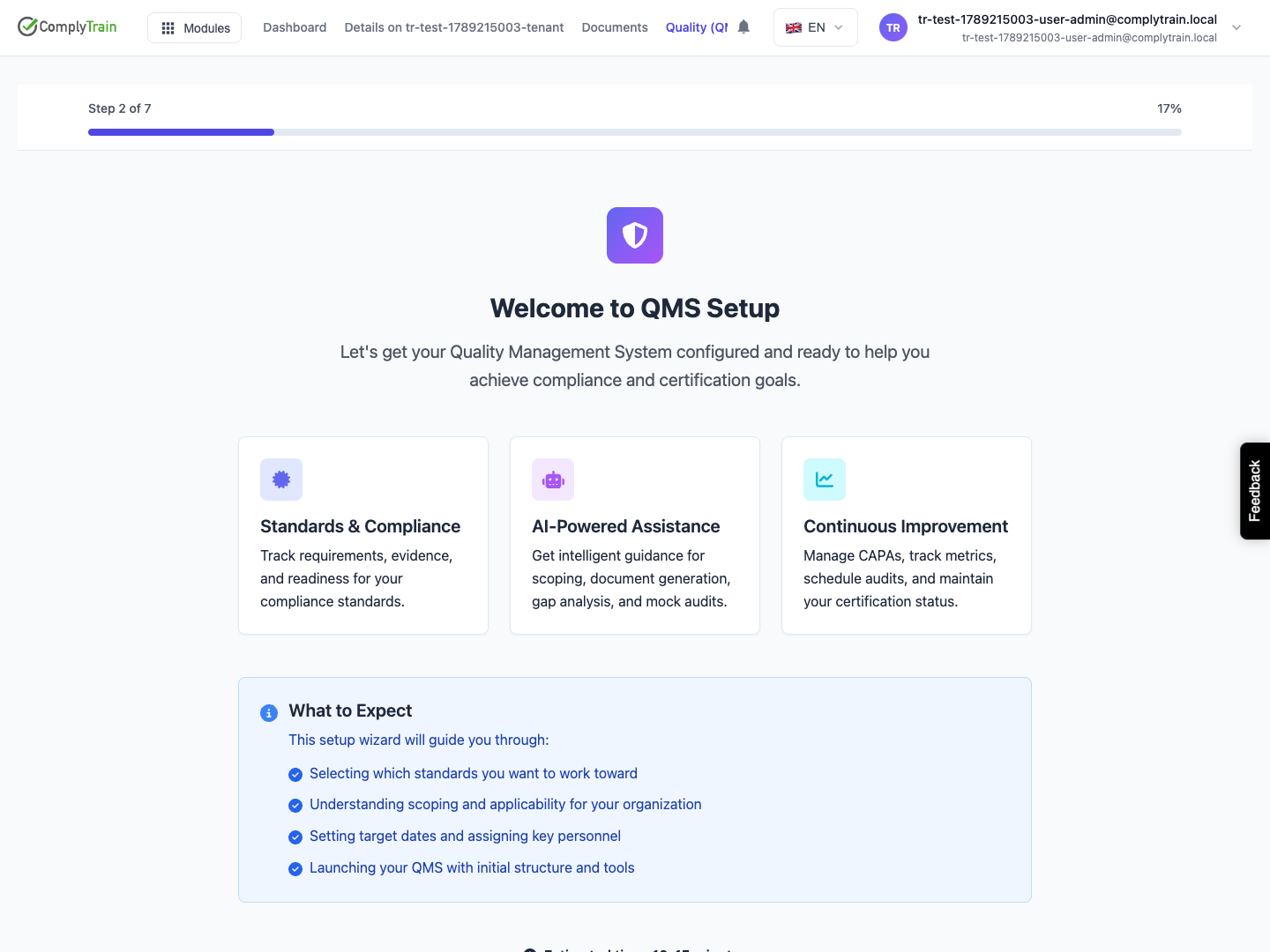
At Welcome, review what setup covers and select Get Started. The progress indicator now leads to standard selection. Cancel leaves setup; it does not implement a standard.
Product location: /qms/onboarding
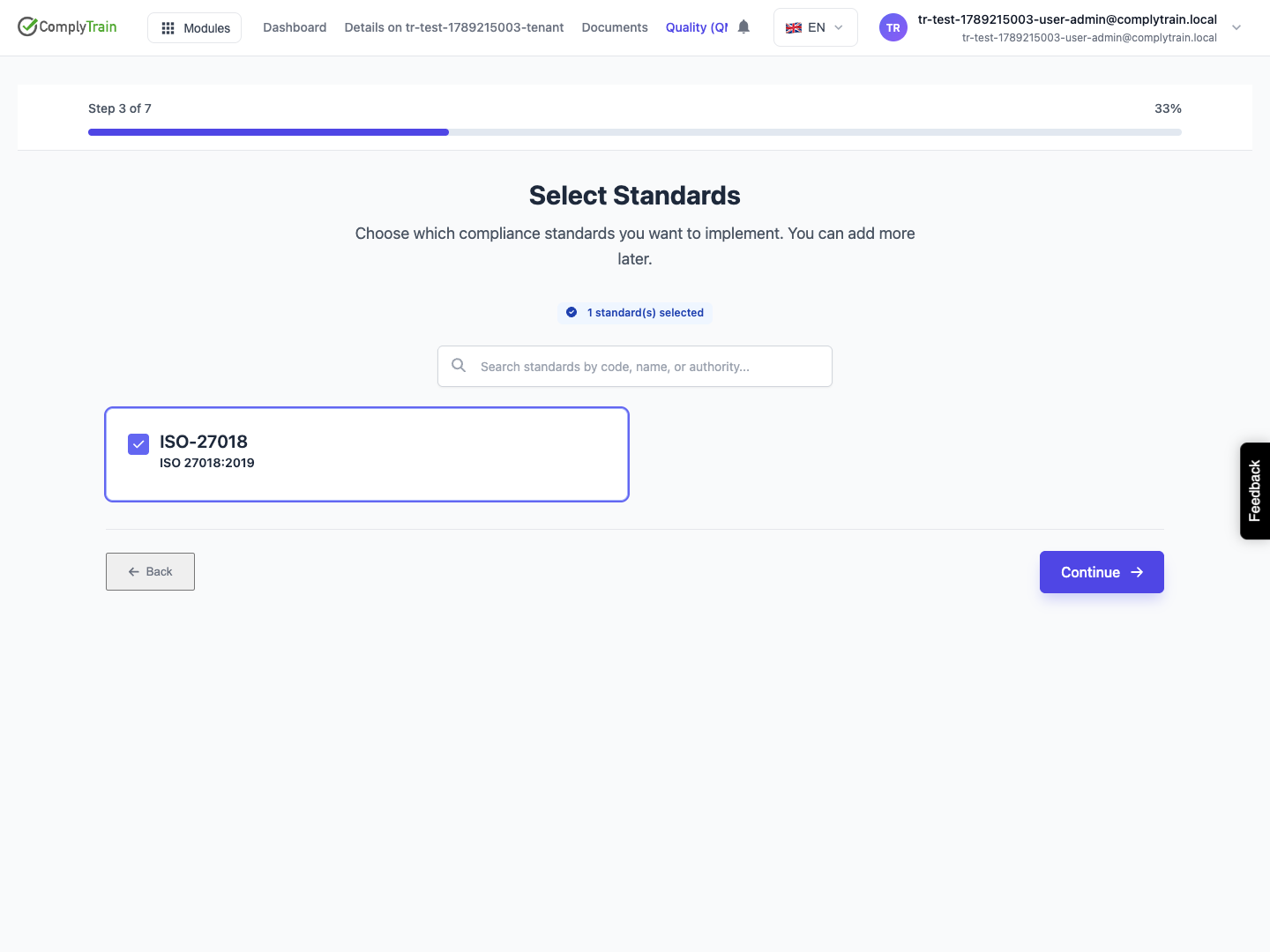
Search by code, name or authority and select each standard you intend to implement. At least one selection is required to continue. Where recommendations appear, review the reason and the primary or supporting role before accepting the selection.
On a rerun, already selected standards appear alongside available additions. The illustrated example uses an existing ISO-27018 selection. A selected card is a configuration choice, not evidence that the organisation meets that standard.
Product location: /qms/onboarding
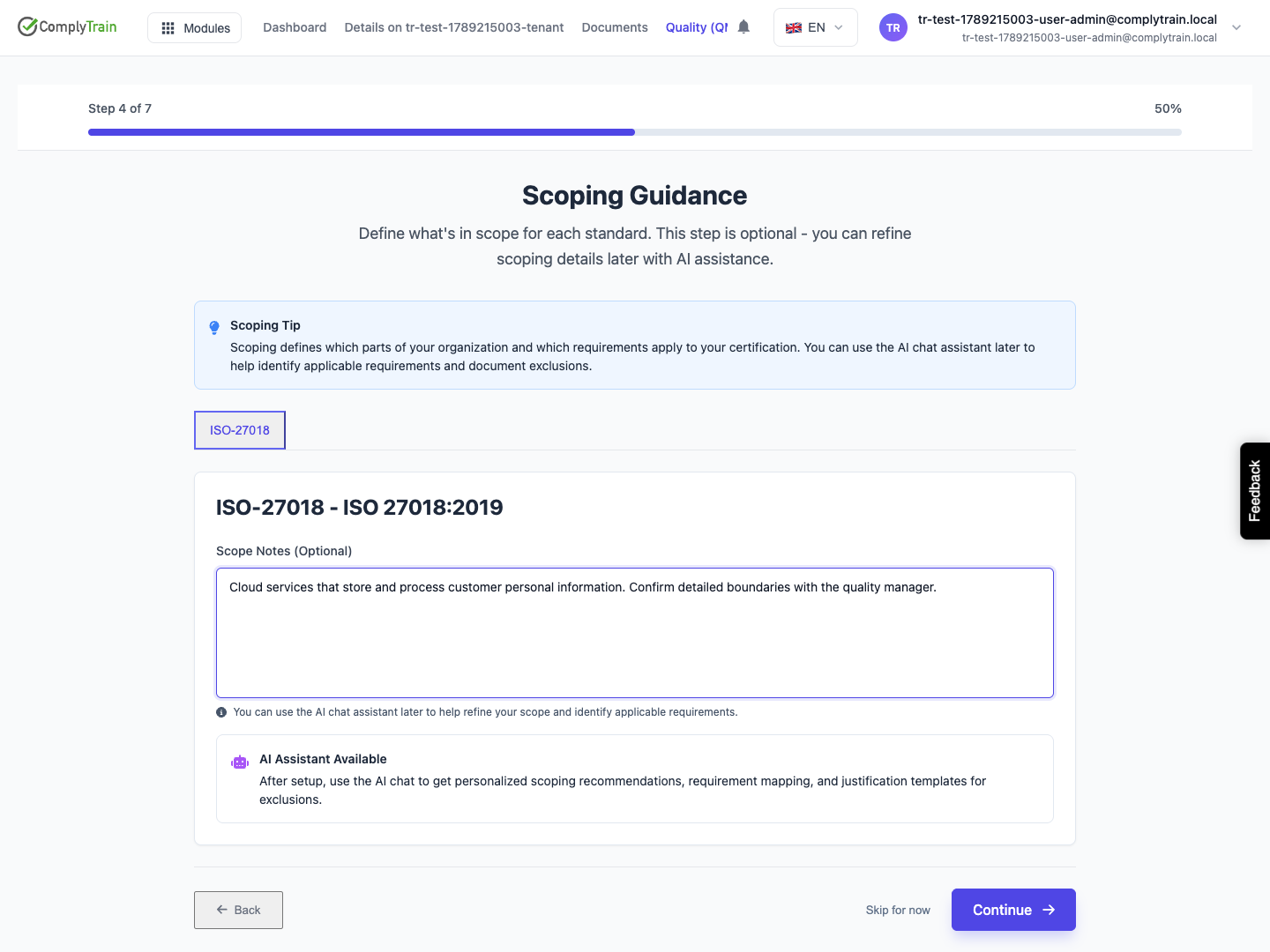
At Scoping Guidance, add initial considerations for each selected standard: activities, products, departments, locations and intended exclusions. These notes are optional; Skip for now advances without filling them.
Keep these notes specific enough to support later decisions. Detailed business scope and requirement applicability are handled in the separate per-standard wizard.
Product location: /qms/onboarding
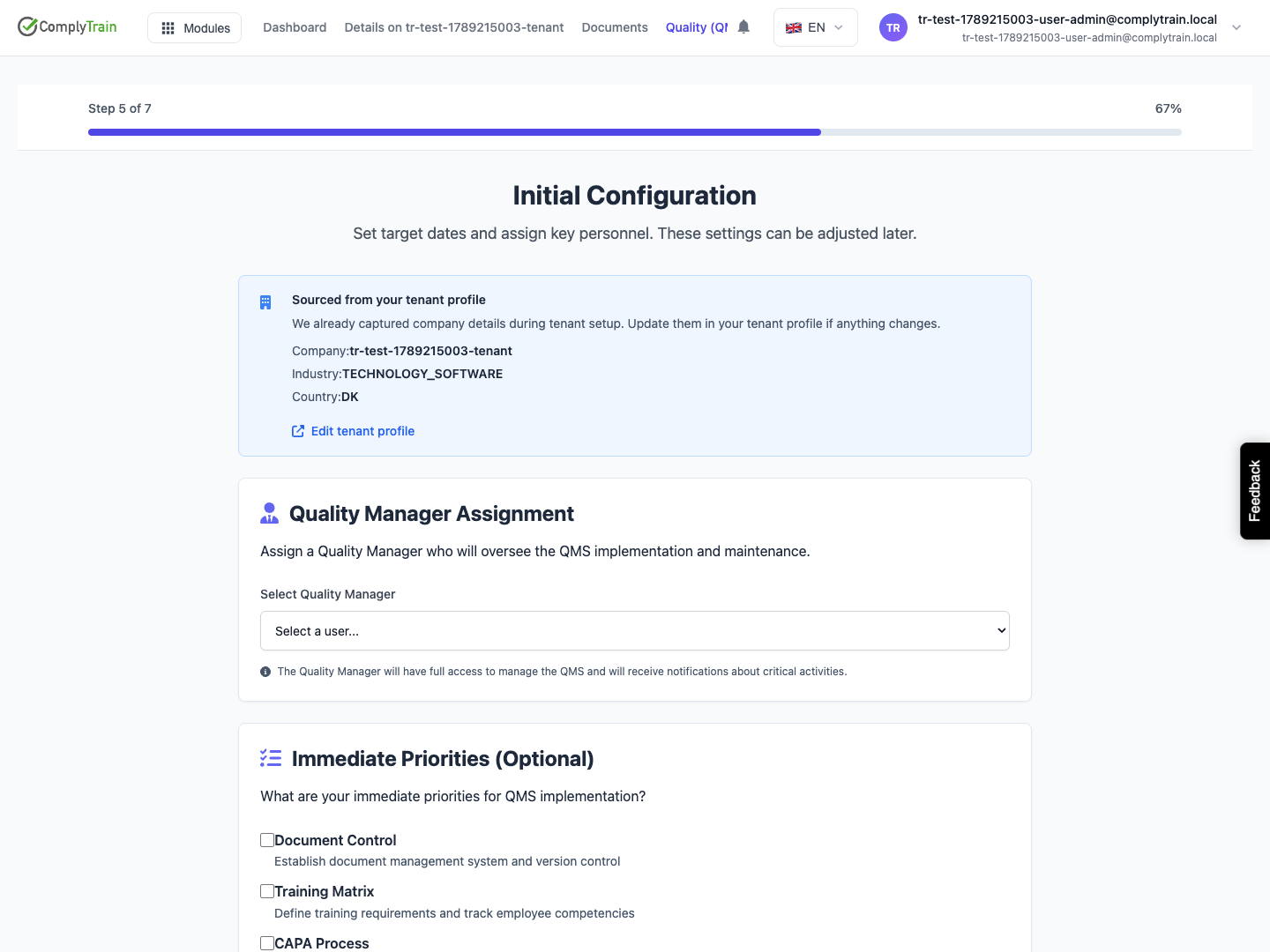
At Initial Configuration, check the company information, choose a Quality Manager where appropriate and identify immediate priorities such as document control, training, CAPA, audits or gap analysis. Optional inputs can be revisited later.
Confirm the selected person has the intended access through your organisation's roles and permissions. An assignment on a setup screen is not a substitute for checking the user's effective access.
Product location: /qms/onboarding
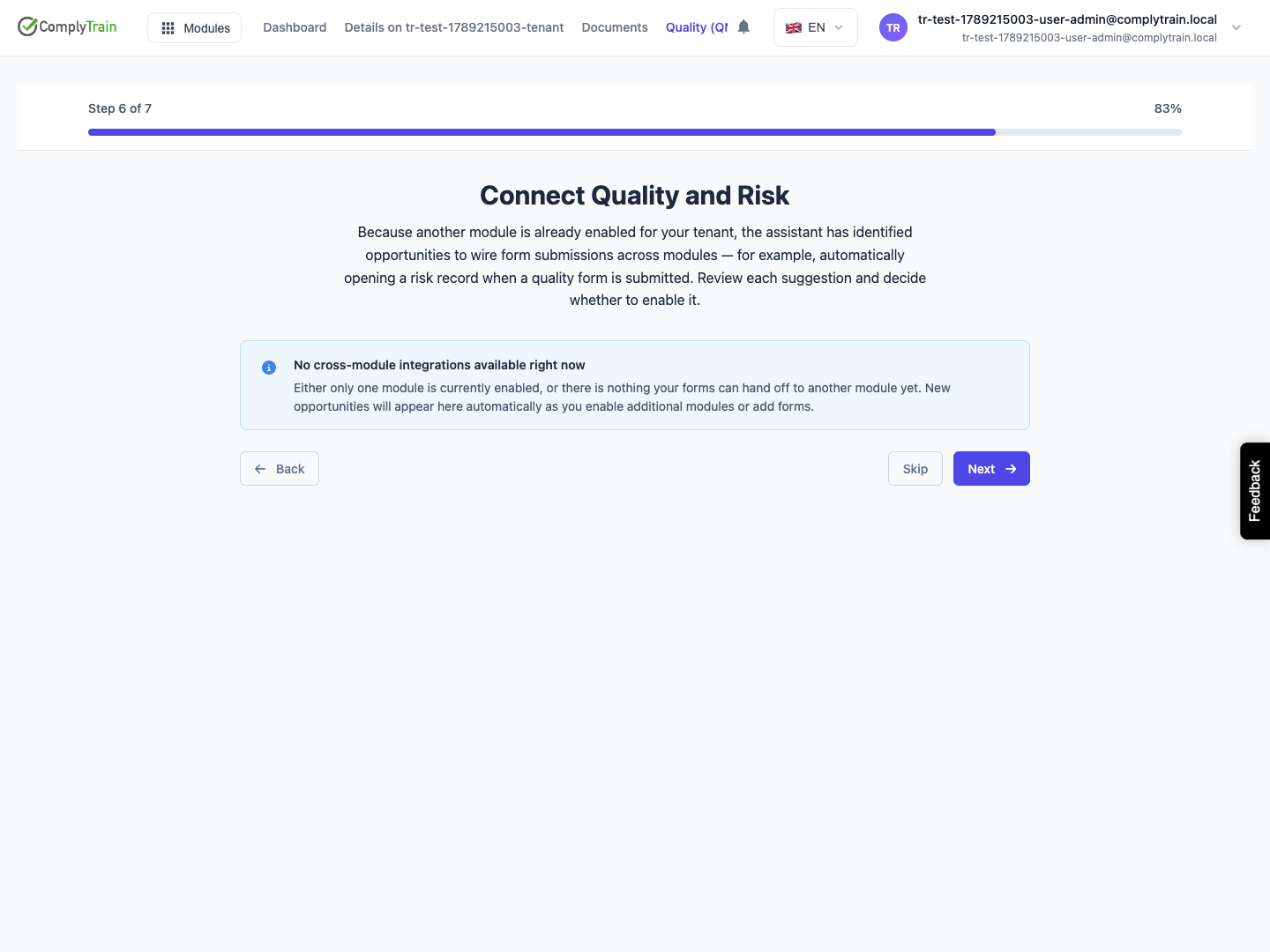
At Connect Quality and Risk, review any proposed form connections. Enable accepts a suggestion, Refine lets you adjust the proposed rule, and Skip leaves it unaccepted. These decisions can save form output rules, so inspect the source form and destination before enabling a suggestion.
An empty list can mean another module is not enabled or suitable forms are unavailable. Use Next or Skip to continue. See form output rules when configuring these connections later.
Product location: /qms/onboarding
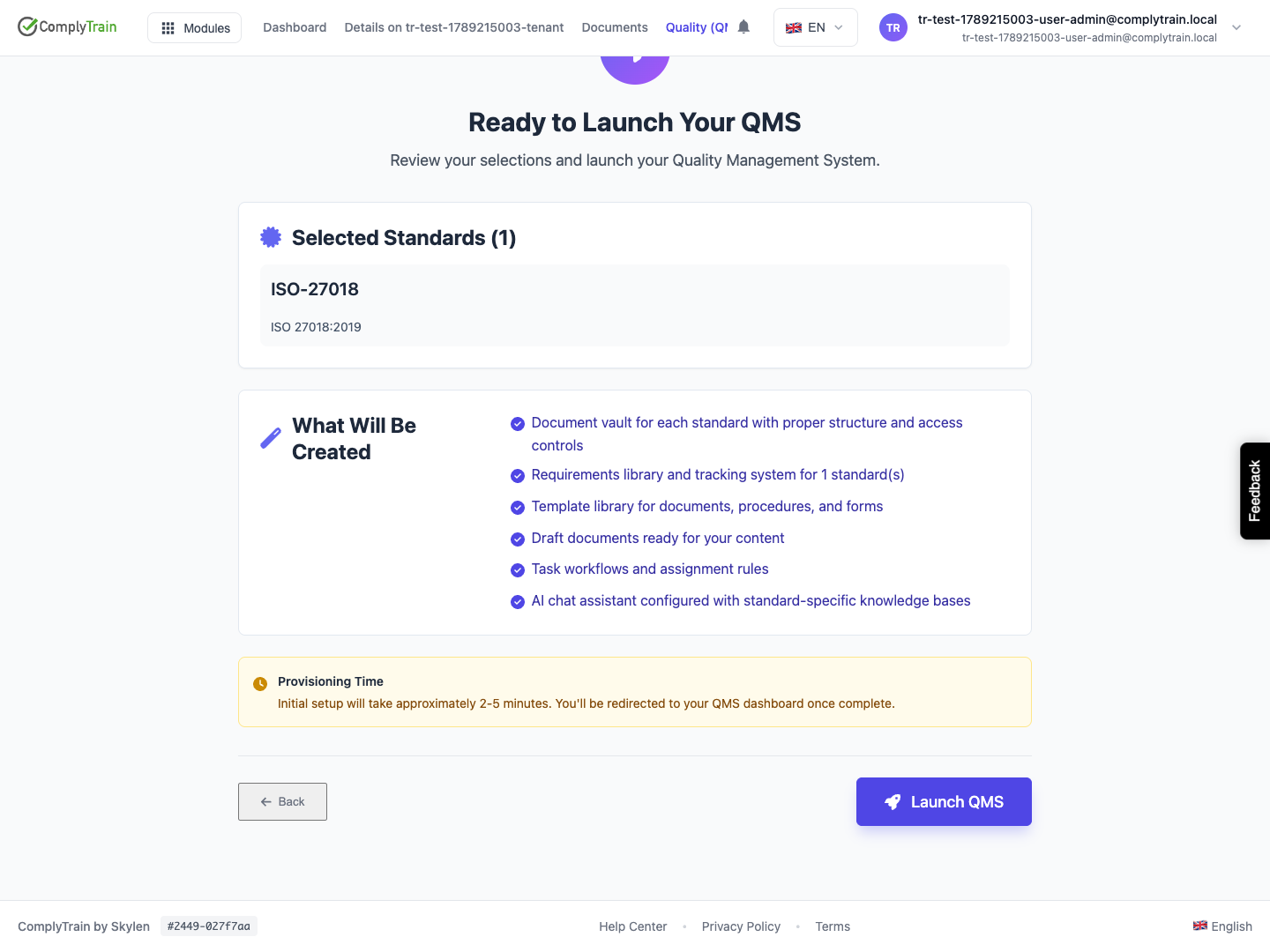
At Ready to Launch Your QMS, check the selected standards and configuration. Use Back to correct the inputs, then Launch QMS when ready. Wait for the provisioning result before proceeding; use the displayed recovery controls if provisioning fails.
This initial manual stage enables the selected standards and prepares their supporting structure. Continue with standard onboarding to decide detailed scope, target dates and documents. The launch screen includes document and task expectations for the wider setup journey; treat the actual per-standard result as the record of what was created.
Complete setup for each selected standard. Finishing the first standard does not finish the others.