
Move from a template or blank document to a reviewed, locked version.
Create the document
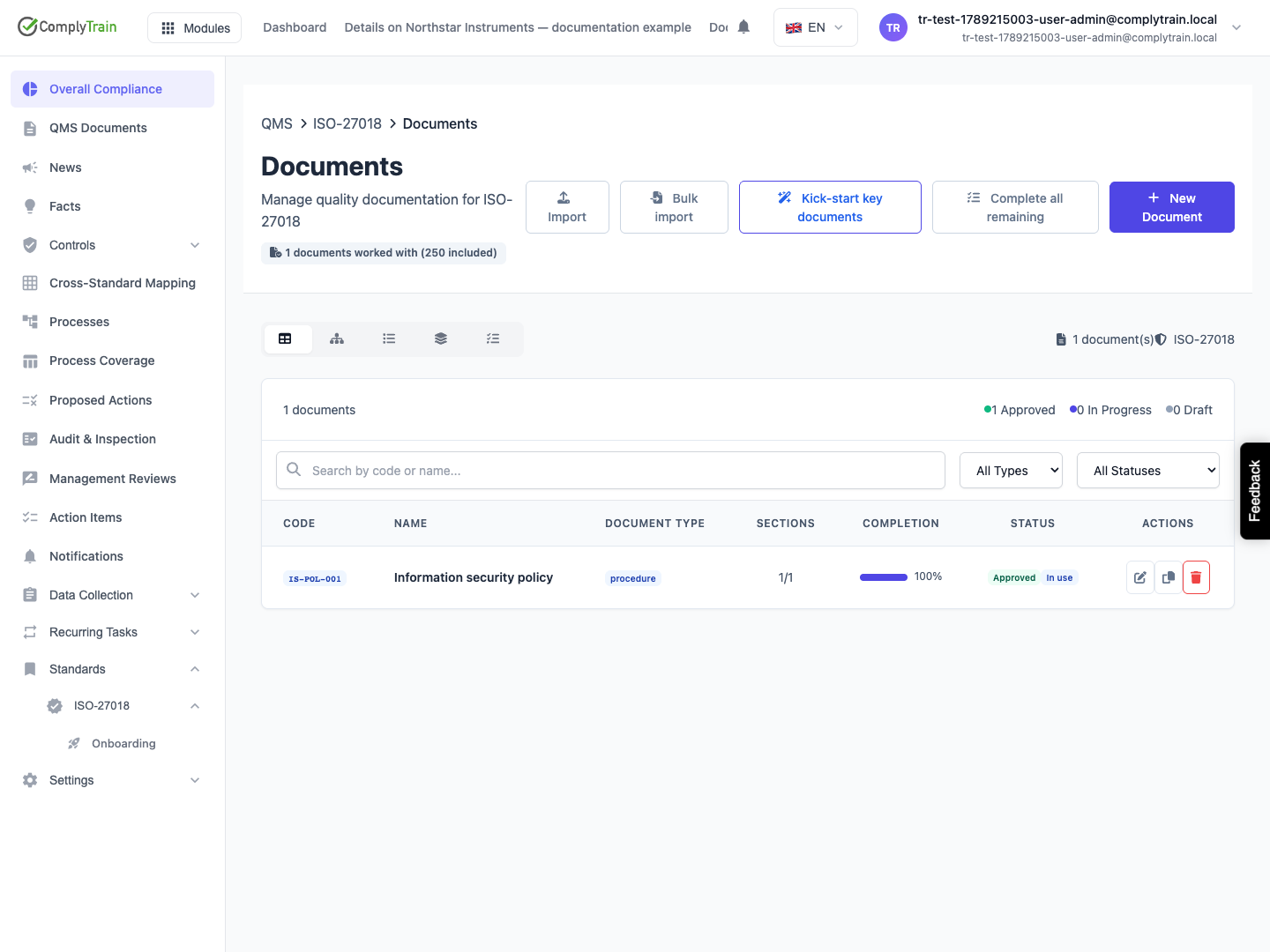
Product location: /qms/{standardCode}/documents (fallback: /qms/standards). Create or open the intended document.
Open QMS, select the relevant standard and open Documents.
Create a document, choose its document type and select a template or the blank option.
Enter the document name and code, review its standard association and add the applicable due date, tags or notes.
Create the document and open it in the editor.
Complete the sections, resolve properties and review its requirement mappings.
Use the complete document wizard guide for every field, blank/template choices, template reuse, saved-state checks and cancellation. For a whole standard, see AI document generation.
Use the editor and save guide to confirm authored content persists before starting approval.
Use section review and comments to address feedback and section version history to inspect saved wording.
A generated draft needs review against your organisation's actual process. Check the section content as well as the completion indicator.
Review readiness
Product location: /qms/{standardCode}/documents (fallback: /qms/standards). Create or open the intended document.
Follow publication, approval and revision for the full readiness conditions, automatic approval on publication, controlled locking and recovery.
Open the document detail's approval-readiness panel. It identifies issues such as generation or publication state, approval permission, approver training, pending suggestions, unresolved properties, requirement coverage and sections needing content. Use the provided actions to address the relevant items.
Approve & lock renders and publishes the document to the vault, records the requirements it covers and locks it against editing. Confirm only after reviewing the intended content and scope.
Make a later revision
Product location: /qms/{standardCode}/documents (fallback: /qms/standards). Create or open the intended document.
Use Revise to unlock an approved document for editing. The previous approval and requirement snapshot remain in the record. Review and approve the new content to create the next approved version.
An editable revision and the previous approved record are different states. Inspect the current approval and publication information when selecting a document for use as evidence or training material.