
Review template matching and requirement mappings before accepting imported material.
Prepare an import
Product location: /qms/{standardCode}/import (fallback: /qms/standards)
Open the standard's Import flow and choose the import mode appropriate to your material. Check that the files describe the intended organisation and that you can identify their existing versions.
The wizard progresses through Import mode, Upload files, Template matching, Requirement mapping and Review & confirm. Follow the format and size restrictions displayed for the selected mode.
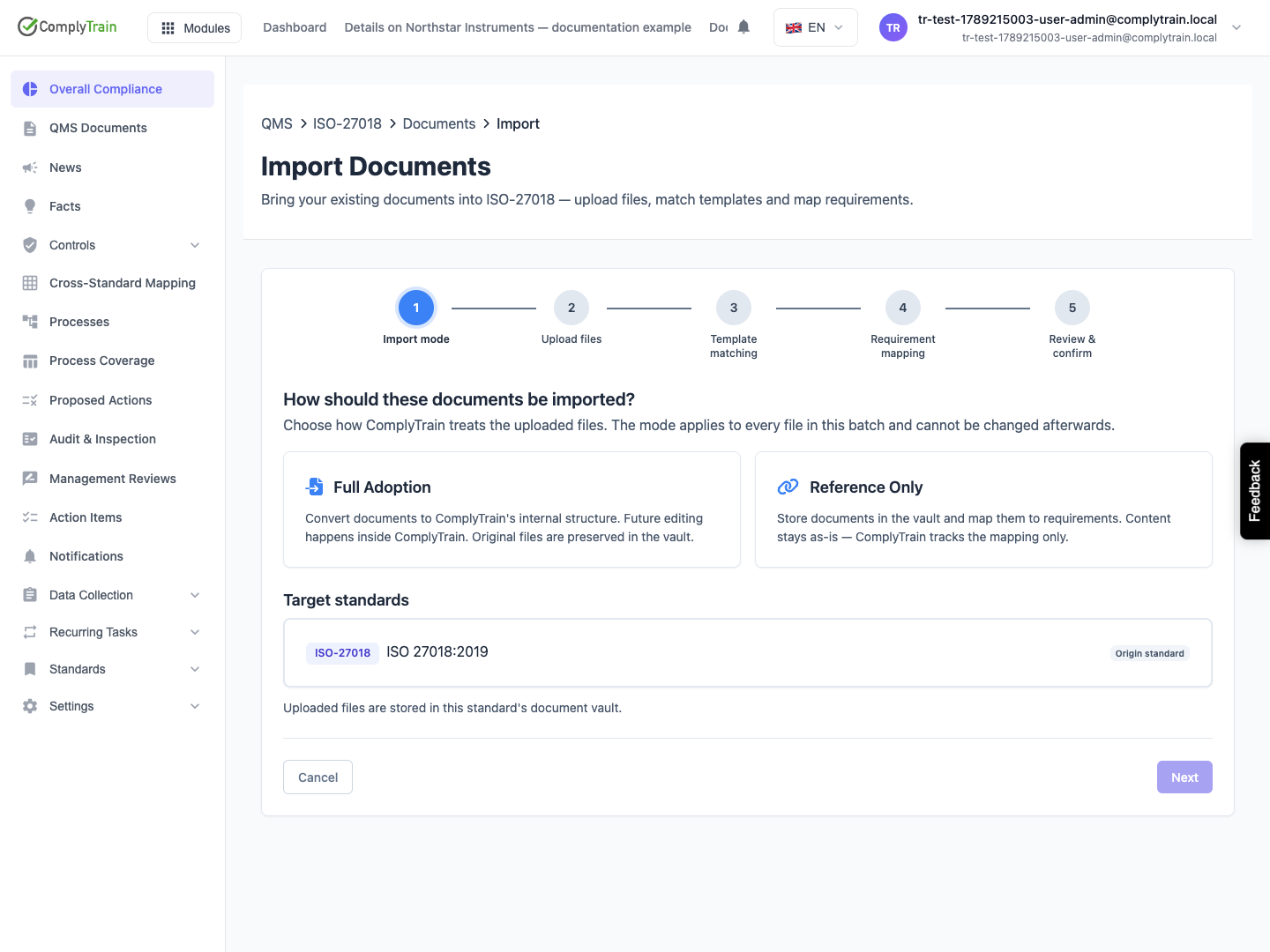
Review each match
Product location: /qms/{standardCode}/import (fallback: /qms/standards)
Inspect the suggested template for each document. A title match can be useful, but the actual document may cover a different purpose or scope. Correct the match or choose the appropriate handling for material without a matching template.
Review each proposed requirement association against the document content. A proposed mapping does not establish that every part of the requirement is satisfied. Resolve ambiguous or missing mappings before confirming the batch.
Check the results
Product location: /qms/{standardCode}/import (fallback: /qms/standards)
Inspect the confirmation summary, complete the import and open the created documents. Check section structure, properties, origin information and requirement links. Imported content still needs the relevant review and approval.
Use Settings, Import History to investigate a prior import and its results. Before retrying a failed operation, check which records already exist so you can address the failure without assuming the entire batch was rolled back.